IFD400 Series Pilot Guide
Map Subsystem 3-21
Like ADS-B radar, ADS-B lightning has a defined coverage area.
However, whereas the ADS-B radar coverage is shown by
highlighted those areas that are not covered, the coverage area for
ADS-B lightning is shown by highlighting the area that is covered.
The coverage area for which lightning data has been received is
depicted using a “shadow”, as illustrated below. The shadow
consists of a transparent, gray region on all Land declutter settings.
This allows for quick distinction between two coverage areas when
simultaneously displaying radar and lightning overlays.
ADS-B Lightning Coverage Area Shadow
WEATHER OVERLAYS ON MAP
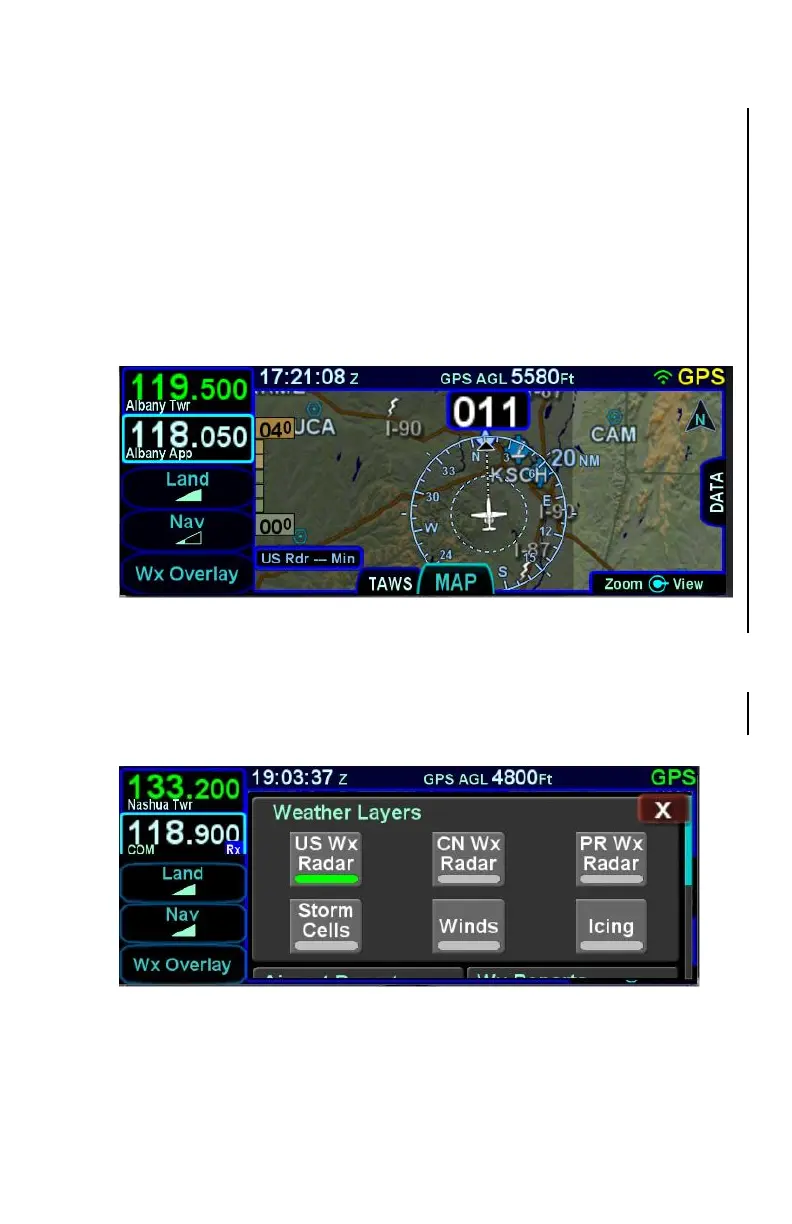
The “Wx Overlay” LSK on the map page brings up a control page on
which the layers can be turned on or off.
Wx Overlay Selection
The options vary with the installed datalink device and subscription
level.



 To Next Page