IFD400 Series Pilot Guide
3-26 Map Subsystem
IMPORTANT NOTE
When connected to an ADS-B Receiver...
Winds and temperatures aloft depicted are only
displayed as a 6 hour forecast. It is strongly
recommended for the pilot to obtain the latest
information through other approved sources for their
operation. The 12 and 24 winds aloft forecast will need
to be obtained via other approved sources.
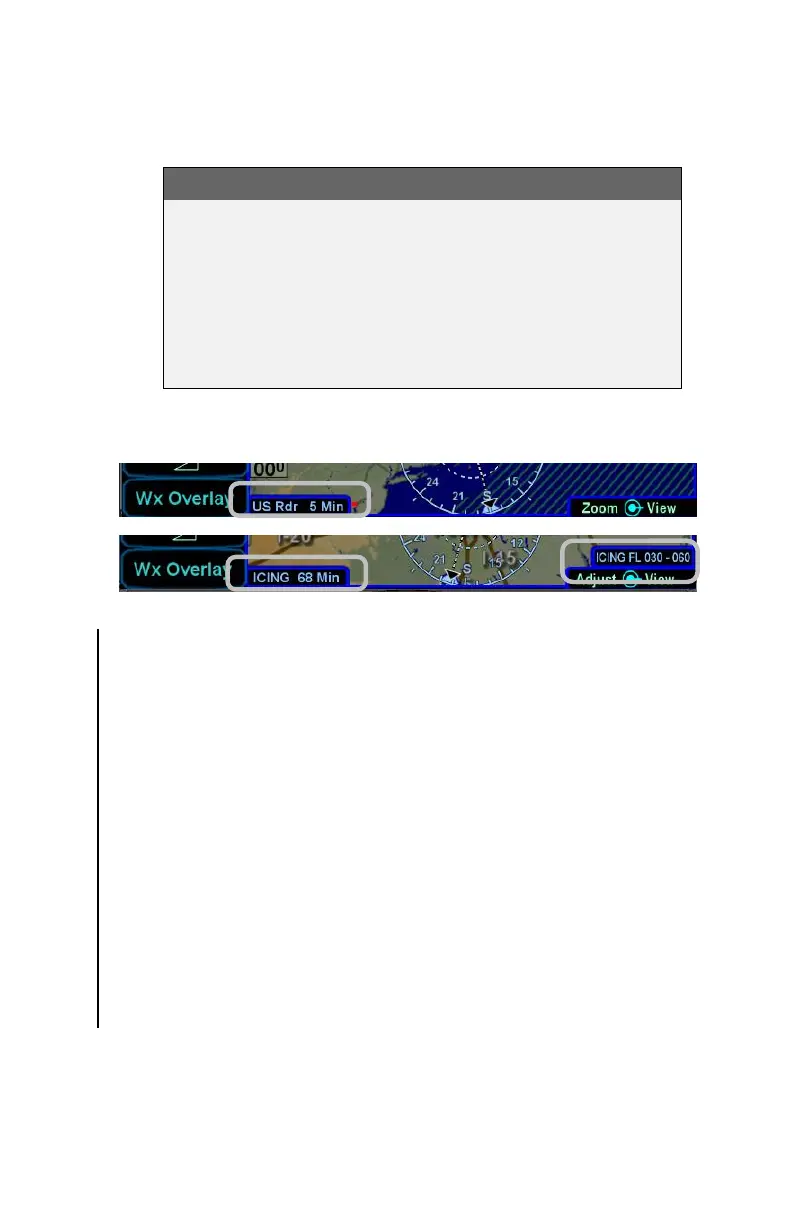
Data Age: RADAR and Icing
TRAFFIC DISPLAY
When integrated with an optional traffic system (e.g. TAS, TIS-A,
ADS-B, TCAS), the IFD will display traffic information for sensed
aircraft and provide visual alerting for traffic considered a threat.
Traffic data will always be displayed as an overlay on the map and
can also be selected as a datablock option on the left or right side of
the display. The center of the traffic symbology represents the
horizontal position reference point of the traffic.
The following symbols for traffic systems are displayed both on the
map (all views) and in the traffic thumbnail
Basic Traffic Symbols
Unless otherwise noted, all traffic sensors can generate basic non-
directional traffic symbols



 To Next Page