IFD400 Series Pilot Guide
2-14 FMS Subsystem
insert cursor. Press the right knob button to bring up the
dropdown menu containing the options available after that leg.
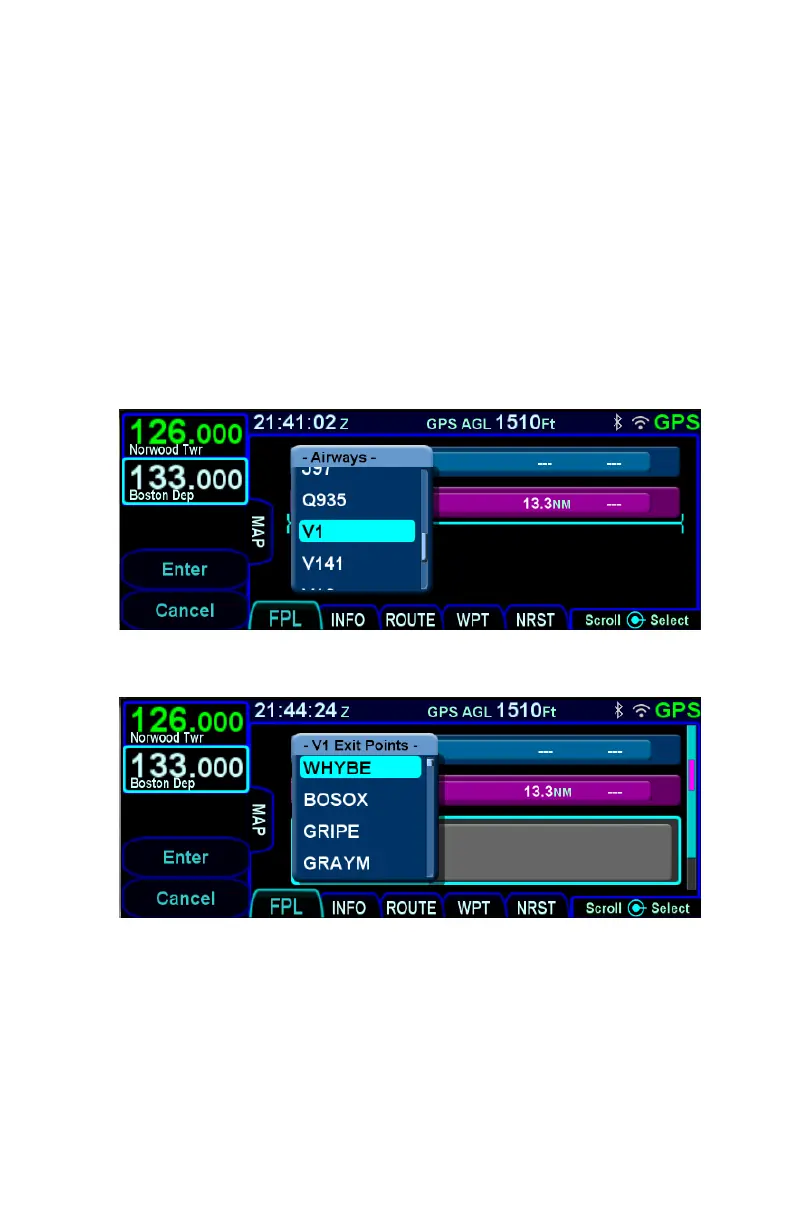
Scroll the cursor down through the list until the desired airway
name is selected. Note that airways are always at the bottom of
the list.
Once the desired airway is selected, press the right knob button
or touch the selected airway and a list of exit points will appear in
a secondary dropdown. The list of exit points is presented in the
order along the airway, not in alphabetical order. Select the
desired exit point to insert the airway into the flight plan.
Airway Dropdown
Airway Exit Points
DELETING A WAYPOINT
From the FPL tab, use the bottom right knob on the IFD to scroll
up and down the flight plan until the edit cursor surrounds the
waypoint to be deleted. Press the “CLR” button on the right side
of the bezel to delete the waypoint. Continue pressing the “CLR”
button and it will walk up the flight plan deleting earlier waypoints



 To Next Page