IFD400 Series Pilot Guide
6-68 General
USER DATA BACKUP/RESTORATION PROCEDURE
Use the following procedure to store and reload user checklists,
user settings, waypoints, and routes. The original user data must
be generated on an IFD and backed up using this procedure.
Then, they can be reloaded onto any IFD or multiple IFDs via this
procedure.
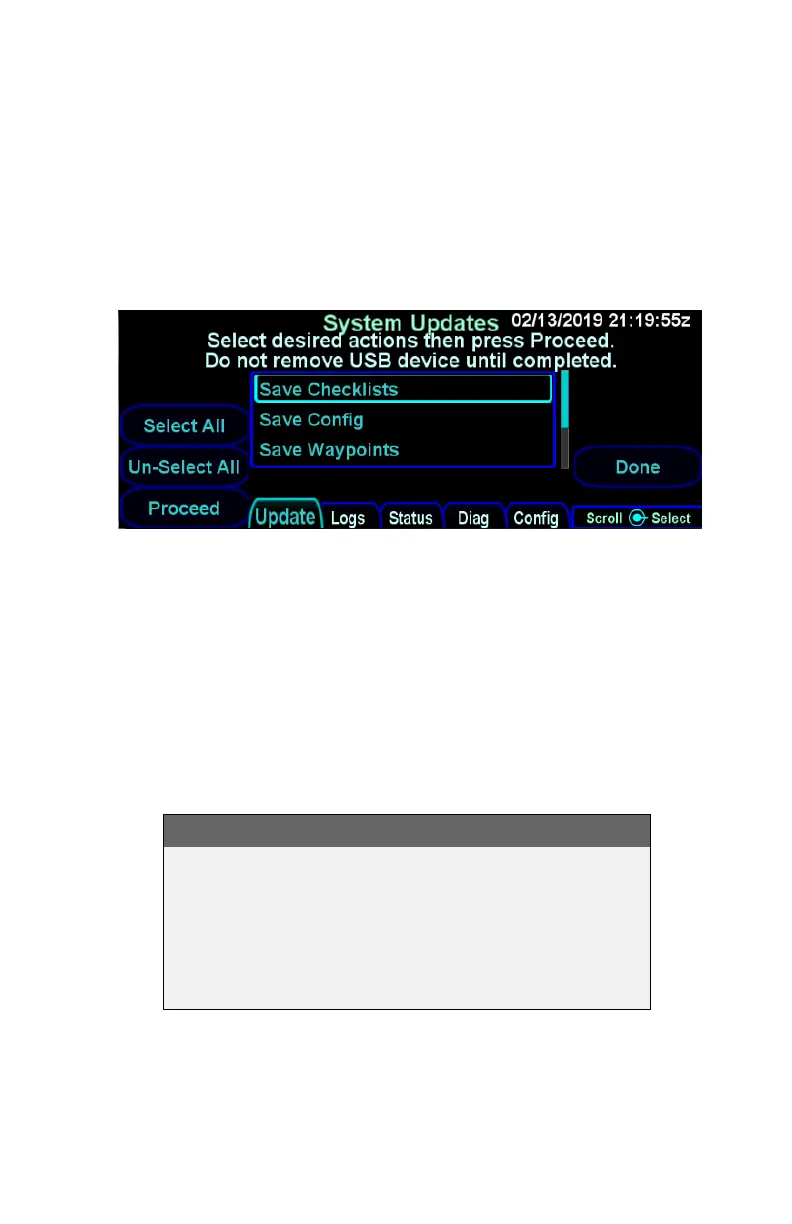
User Data Save and Restore Options
SAVING USER DATA
Ensure a properly formatted fob is installed in the IFD.
Start the IFD in maintenance mode (see Maintenance Mode
section on page 6-53). From the Update tab, ensure the desired
“Save <data type>” option(s) has a checkmark and then press the
“Proceed” LSK option.
TIPS AND TECHNIQUES
Additional Means of Recording Configurations
Avidyne highly recommends recording your user
preferences and configuration settings (including
Maintenance Mode “Config” pages) in an alternate
form (e.g. smart phone photographs of the page
settings) as an additional precaution.



 To Next Page