IFD400 Series Pilot Guide
Aux Subsystem 4-7
two switches, one that will cycle forward and another that will
cycle backward through the list.
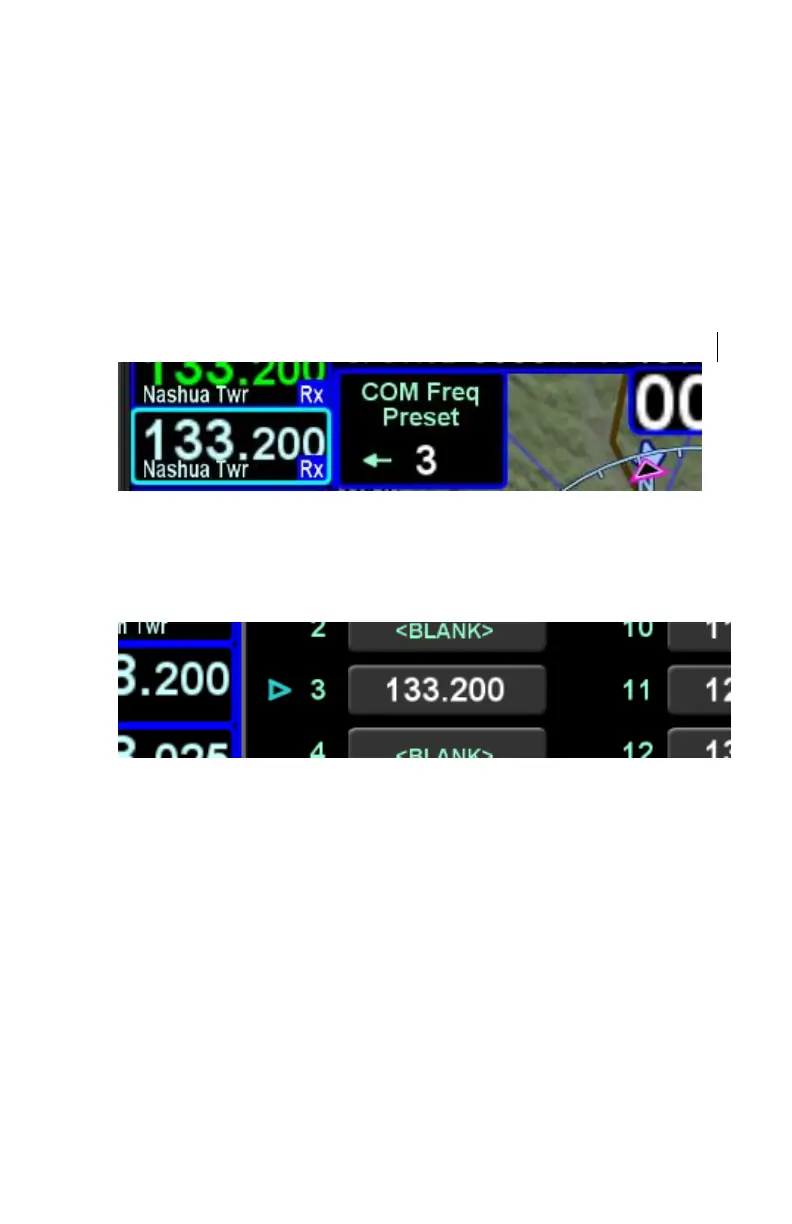
Each actuation of the switch will nominate the next (or previous)
frequency in the list to the standby frequency and cause the IFD
to briefly display a small dialog box indicating which preset
frequency was nominated. A frequency from the preset list may
also be nominated by touching the desired preset or pressing the
ENTR button while the page is not in edit mode
Standby Slot
If the com preset page is displayed at the time the cockpit control
is activated, a small arrow will indicate which preset is tuned.
Com Preset Arrow



 To Next Page