IFD400 Series Pilot Guide
4-10 Aux Subsystem
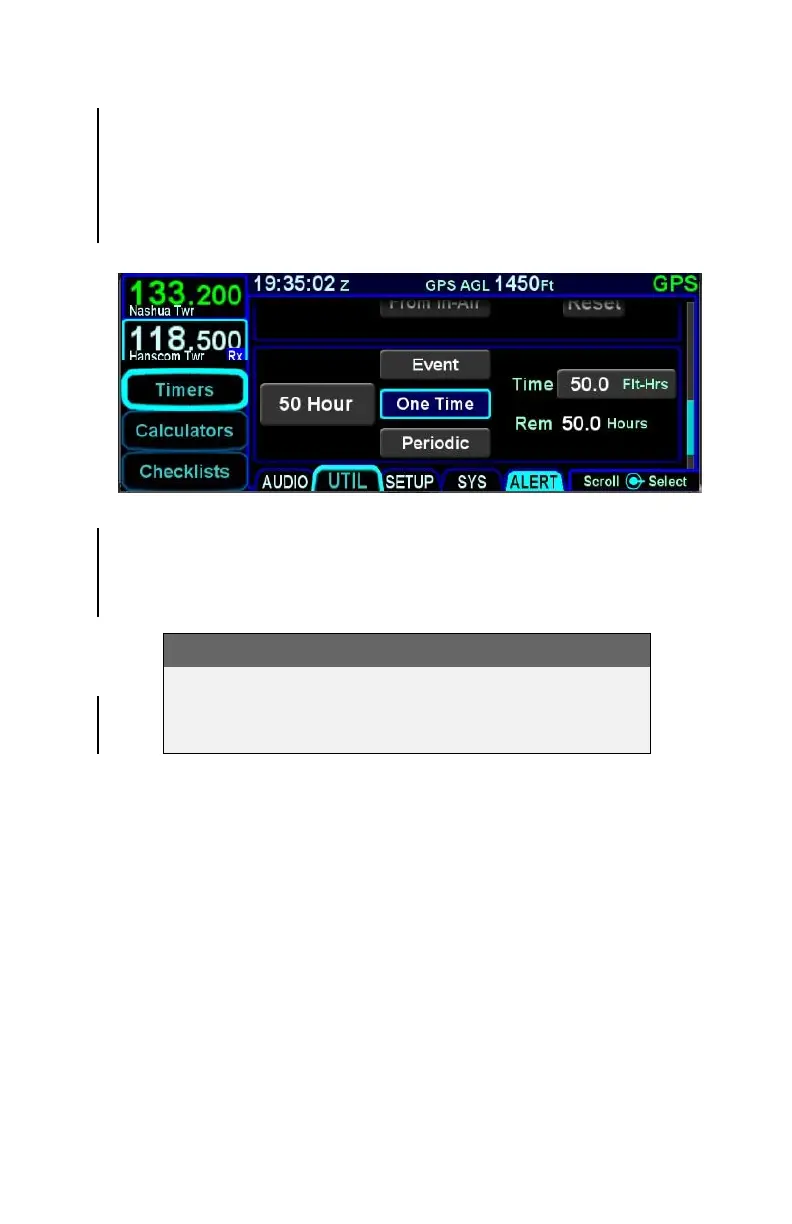
To define a timer to expire after a number of flight hours, select
“One Time” or “Periodic” and then edit the number of flight hours.
As the timer is running, the number of hours remaining until the
timer expires is displayed below the time field. If “Periodic” was
selected, then the IFD will restart the timer when the time expires.
Custom Timer Examples
Acknowledging the alert when a custom timer has expired (via
touch or pressing the CLR button) will clear the alert message,
but will not delete the timer.
TIPS AND TECHNIQUES
Separate “Switch Tank” Alert
A specific Switch Tanks alert can be created using
the Setup Page (see page 4-25).



 To Next Page