IFD400 Series Pilot Guide
4-36 Aux Subsystem
Datablock selected slot and block
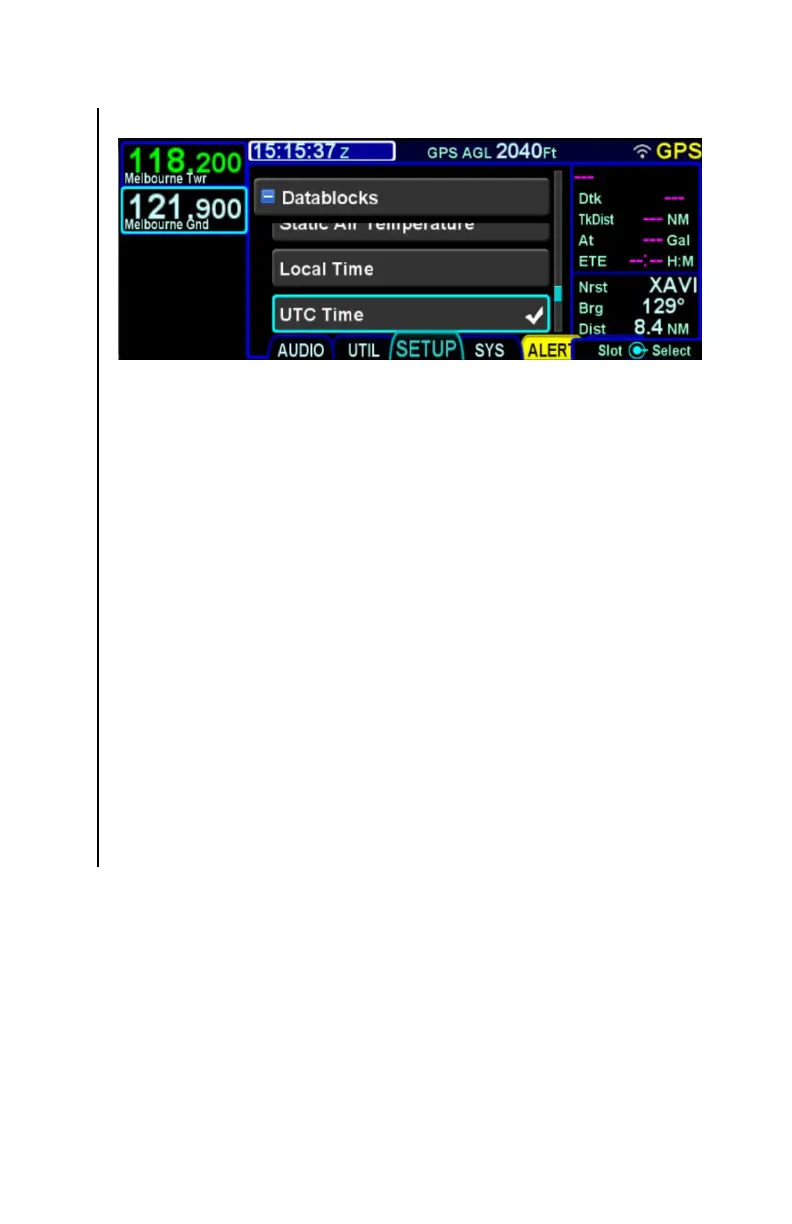
In order to change the datablock selected in a given slot, first turn
the outer knob or touch to move the cursor to the desired slot.
Then, use the inner knob or touch to select the datablock item to
be displayed. Then, press the knob button or touch the datablock
again to place it into the selected slot.
When a datablock has been selected for display in a slot, a check
mark is displayed next to the name of that datablock. It is
possible to select the same datablock for display in more than
one slot, but that is often not desired. The check mark provides a
quick method to identify that situation.
Keep in mind that the datablocks on the right side of the display
are scrollable. Therefore, while a datablock may have an
associated check mark, the slot to which it has been allocated
may not be visible without scrolling the right side of the screen.
When a given datablock is not allowed to be placed into the
selected slot, that row will be presented in a dim color and the
datablock will not be selectable either with the knob or by touch.



 To Next Page