IFD400 Series Pilot Guide
Aux Subsystem 4-59
Runway Length Filter
The runway length criterion defines whether the filter should
accept only airports with a specified minimum runway length or
any airport regardless of runway length. The minimum runway
length can be specified as one of several options ranging from
2000 feet to 5000 feet. The factory default setting is to accept
any airport regardless of runway length.
Altitude Filter
Several of the map layers have an altitude component defining
when items in that layer are to be displayed. This setting controls
whether the altitude component is to be considered when
determining whether an item is to be displayed. The factory
default setting is “On”, thus enabling the use of the altitude
component.
Compass Rose
This setting controls whether the compass rose is displayed on
the map. The factory default setting is “On”.
Heading Box
This setting controls whether the numeric aircraft heading (or
track) is displayed at the top of the map. The factory default
setting is “On”.
Map Layers
Each of the map layers is represented by an item with multiple
conditions, in a fashion similar to the airport filter. The set of
conditions varies with the layer since not all conditions are
applicable to all layers.
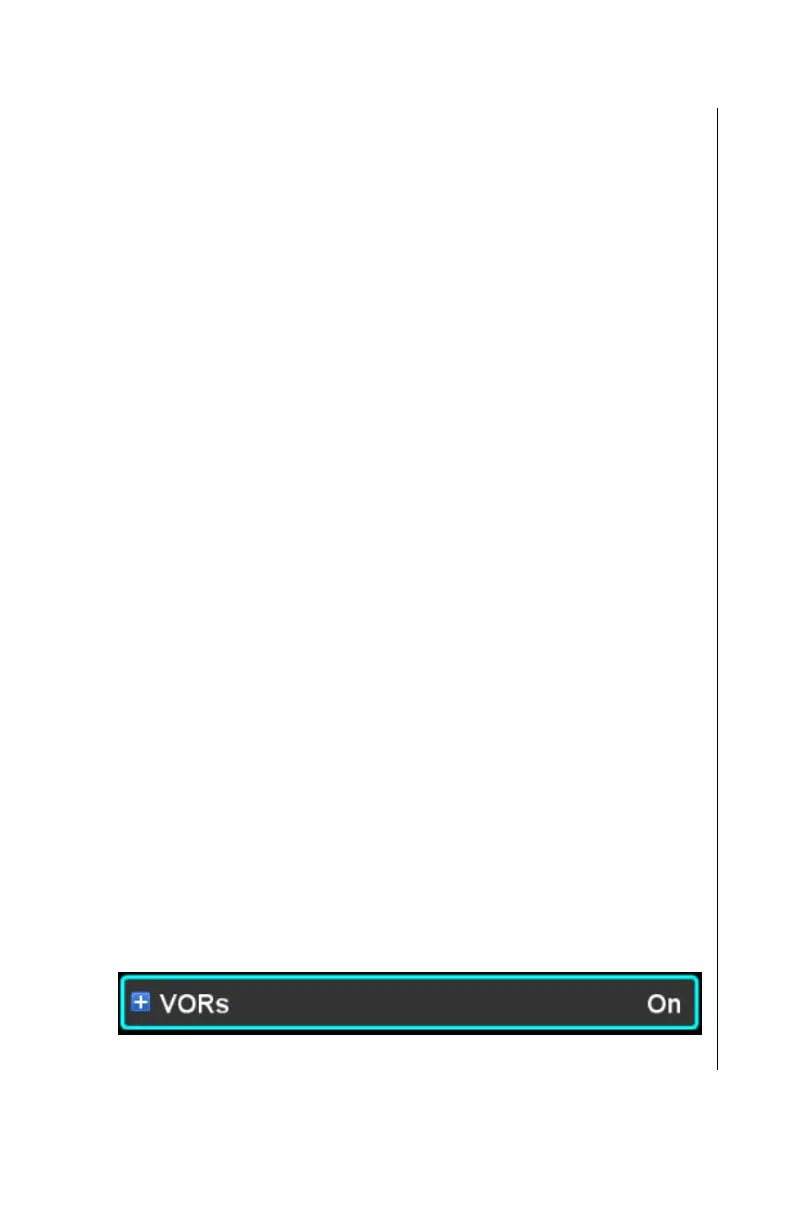
Each layer has an overall on/off setting that controls visibility of
the layer. When the layer is condensed, the overall visibility of
the layer is shown on the right side of the item.



 To Next Page