IFD400 Series Pilot Guide
6-54 General
Download Logs LSK
The Download Logs LSK is intended for use when downloading
logs. The IFD logs several parameters and events during normal
IFD operation. Those logs are often useful for technical support.
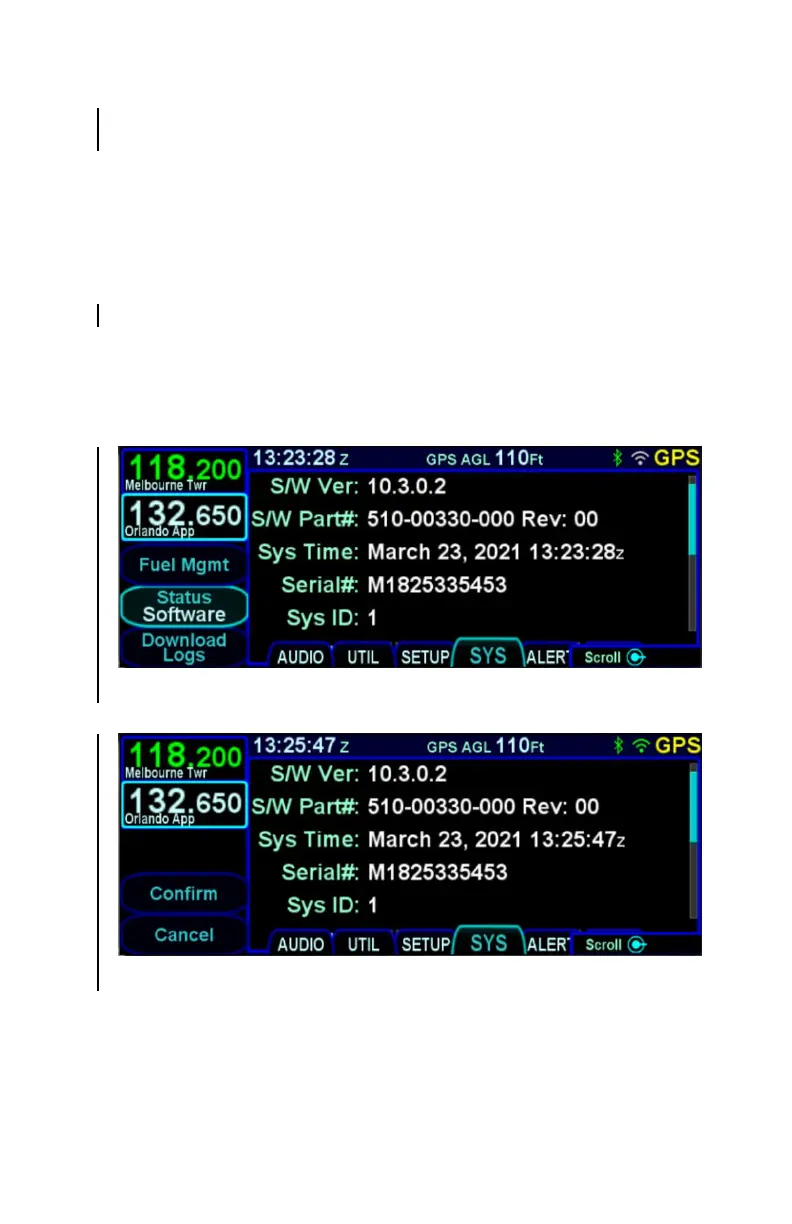
Press the Status LSK until Software is selected. Then press
"Download Logs", which will have appeared by the bottom left
LSK. At that point, the LSKs will be changed to "Confirm" and
"Cancel". Press Confirm to switch to maintenance mode. When
the system restarts into maintenance mode, the "Logs" tab will be
selected.
Download Logs LSK
Confirm/Cancel LSKs



 To Next Page