IFD400 Series Pilot Guide
General 6-57
However, most USB drives that can be formatted using FAT32
will be acceptable. Alternatively, replacement fobs can be
purchased directly from Avidyne.
To perform a data update, ensure the data to be updated is
placed onto one of the acceptable USB fobs and then start the
IFD in maintenance mode (see Maintenance Mode section on
page 6-53).
Maintenance mode is organized similarly to flight mode using a
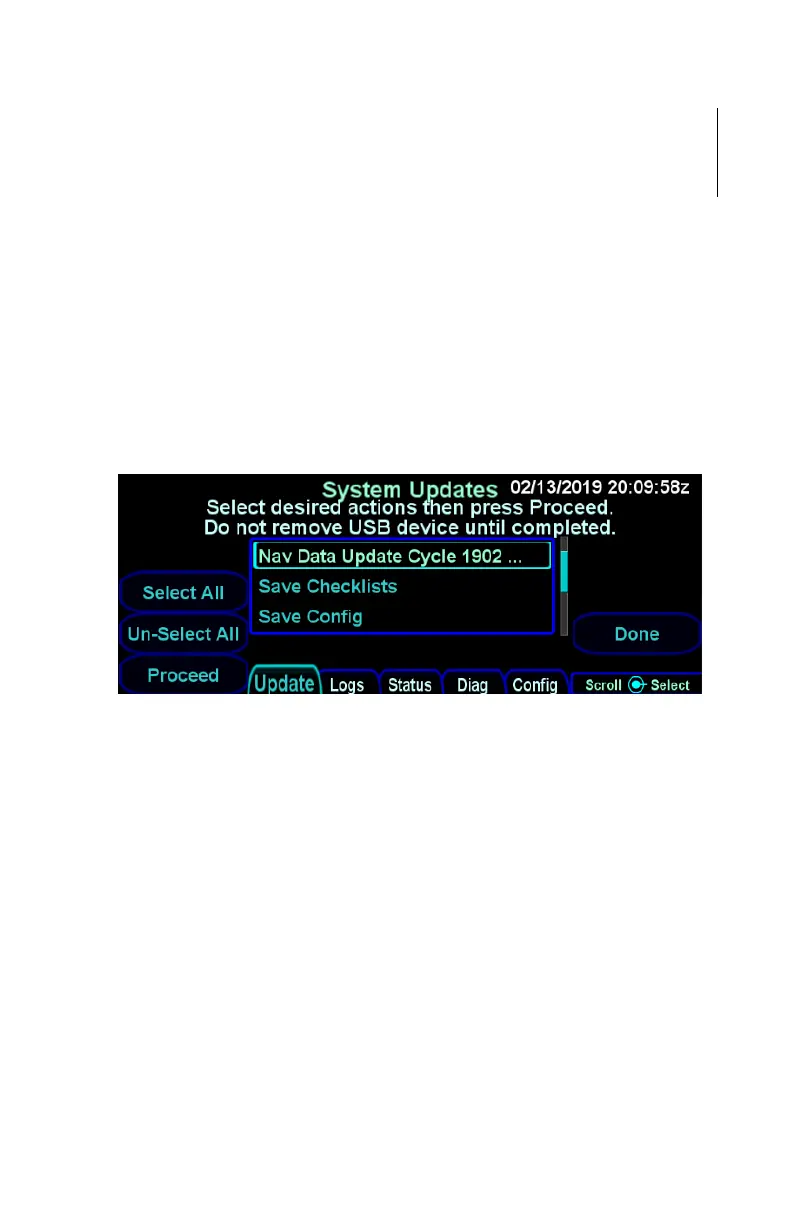
tabbed interface. Databases are updated using the "Update" tab.
If the IFD is powered up in maintenance mode or maintenance
mode is entered using the "Update Databases" LSK, then the
Update tab will already be selected.
Maintenance mode Update tab



 To Next Page