IFD400 Series Pilot Guide
System Overview 1-39
Network (LAN) with a DHCP server. See page 4-27 for
instructions on configuring the WiFi system.
On IFD power up, if the IFD was connected to an external
network at last power down and the IFD is unable to reconnect to
that network, the IFD will continue to attempt connection to the
next most recently known network. If none of those connection
attempts are successful, the IFD will select the LAN (hotspot).
TIPS AND TECHNIEQUES
Dual IFD Installations Should Only Use One WiFi
For reliable WiFi operations, Avidyne recommends
turning off WiFi on one of the IFDs (see the Setup
Page).
Bluetooth / WiFi Status Indications
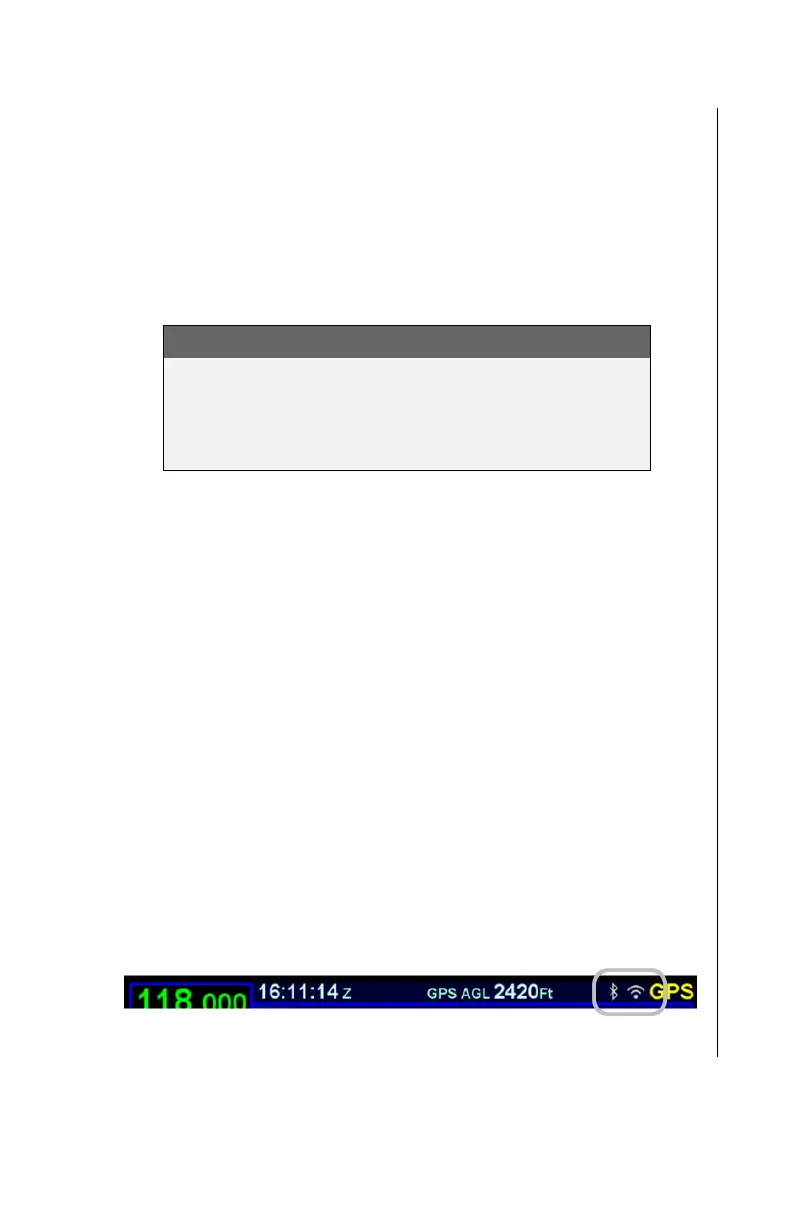
Bluetooth and WiFi icons will be displayed at the top right corner
of the display, just left of the nav mode, when the respective
function has been enabled.
The WiFi and Bluetooth icons will change color depending on
connection status.
Icons will not appear when the user option is set to off.
Icons will appear gray when WiFi/Bluetooth is on,
networking is allowed, but the network is not ready for
use.
Icons will appear green when WiFi/Bluetooth is on,
networking is allowed, and the network is connected /
ready for use.
WiFi and Bluetooth Active, Not Ready Icons



 To Next Page