IFD400 Series Pilot Guide
FMS Subsystem 2-39
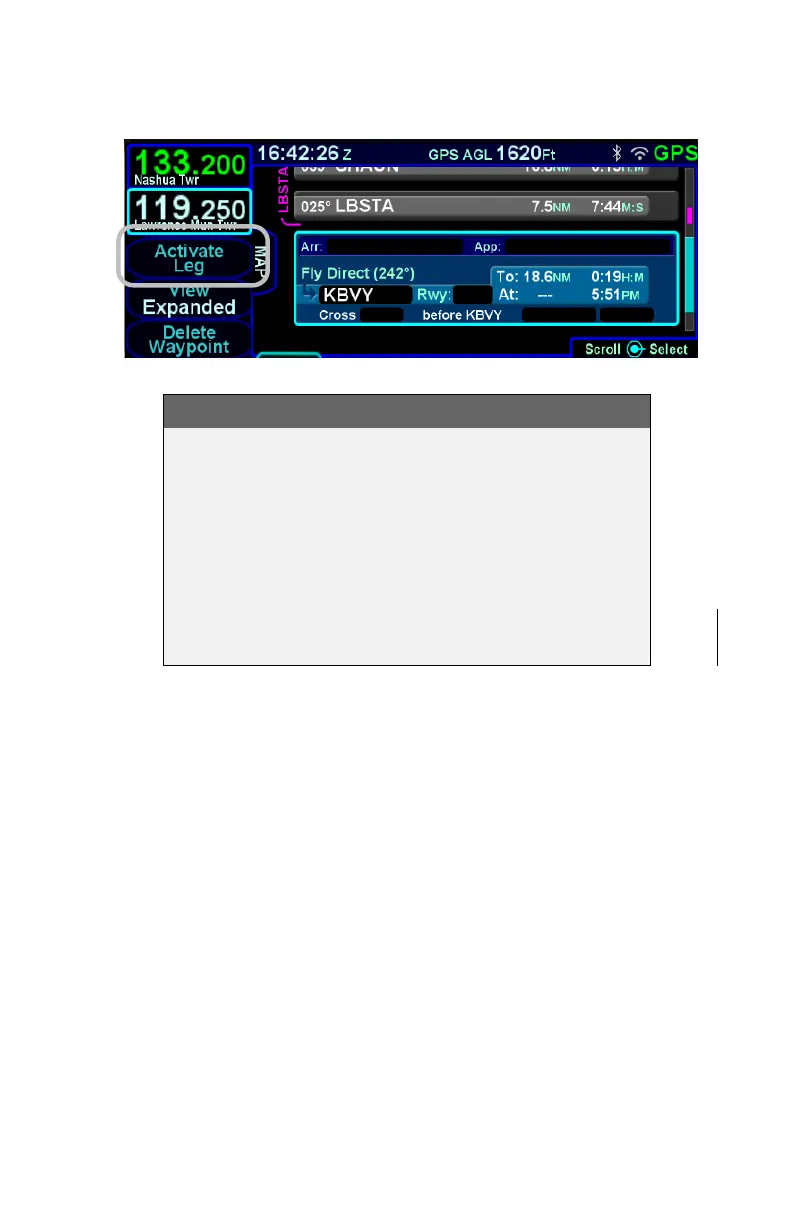
Activating a Leg
TIPS AND TECHNIQUES
Deleting an Approach From Active Flight Plan
One of two techniques is recommended to delete a
an approach from an active flight plan – if you want
to replace the approach with another one for the
same airfield, press the PROC key and select a new
approach. If you just want to delete the approach
altogether, scroll the flight plan to the blue airfield
leg, ensure the cyan highlight is on the approach
field and press the CLR button.



 To Next Page