IFD400 Series Pilot Guide
FMS Subsystem 2-43
Approaches - identifies the published approaches
associated with the airport including any identifier and
nav frequency, and when an individual row has been
selected via touch or the bottom knob, it can further
expand to provide a thumbnail map depiction of the
approach. If the nav frequency is selected by touch or by
using the bottom right knob, it can be nominated (copied)
into the standby slot †
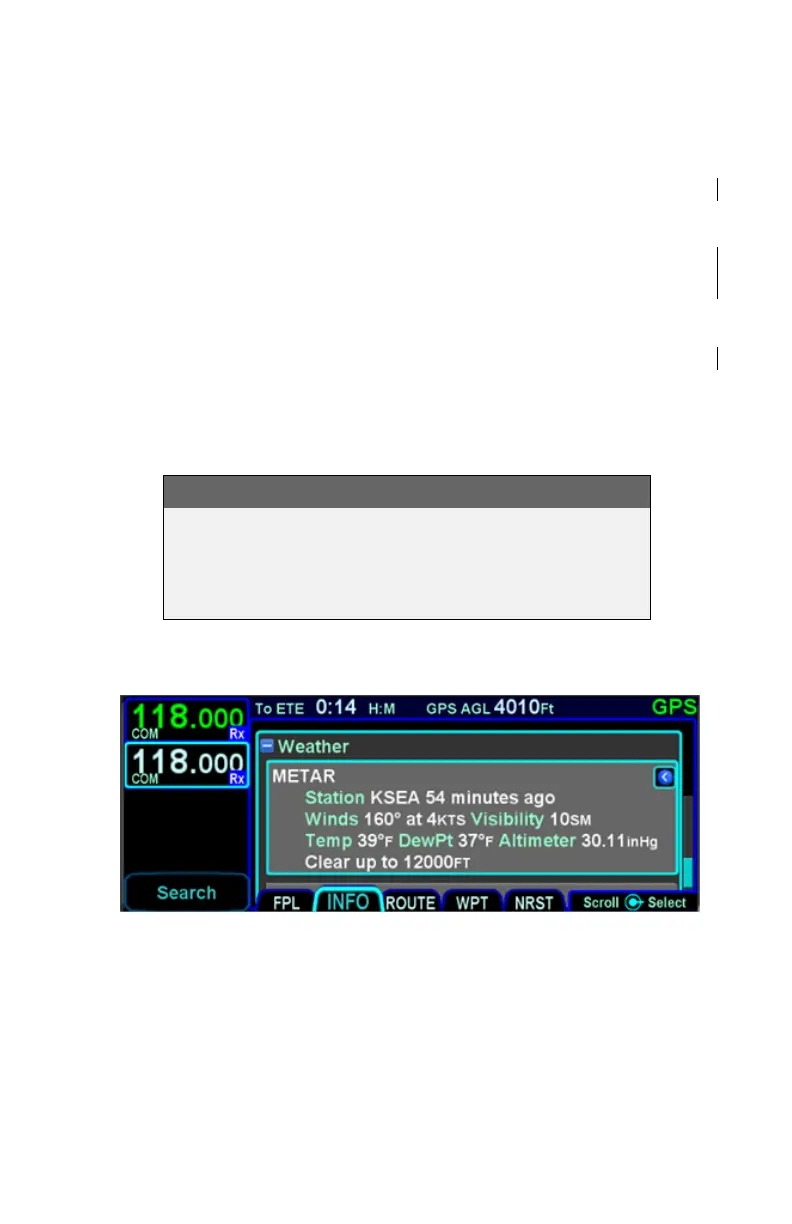
Weather – provides four additional rows of data if known:
METAR, TAF, Winds Aloft, and Temps Aloft. Selecting
any of the additional rows via touch or the bottom knob
will display additional sub-category data. Wind and temp
data will represent data from the nearest known point
within approximately 30nm.
NOTE
Map Switches
Switching between the thumbnail map on the INFO
tab and the main map on the MAP tab may result in
a 1-2 second delay as the new map re-sizes.
Weather Data on Info Tab



 To Next Page