K3 - 3
3.0 Start Up
Program Data Display
A
B
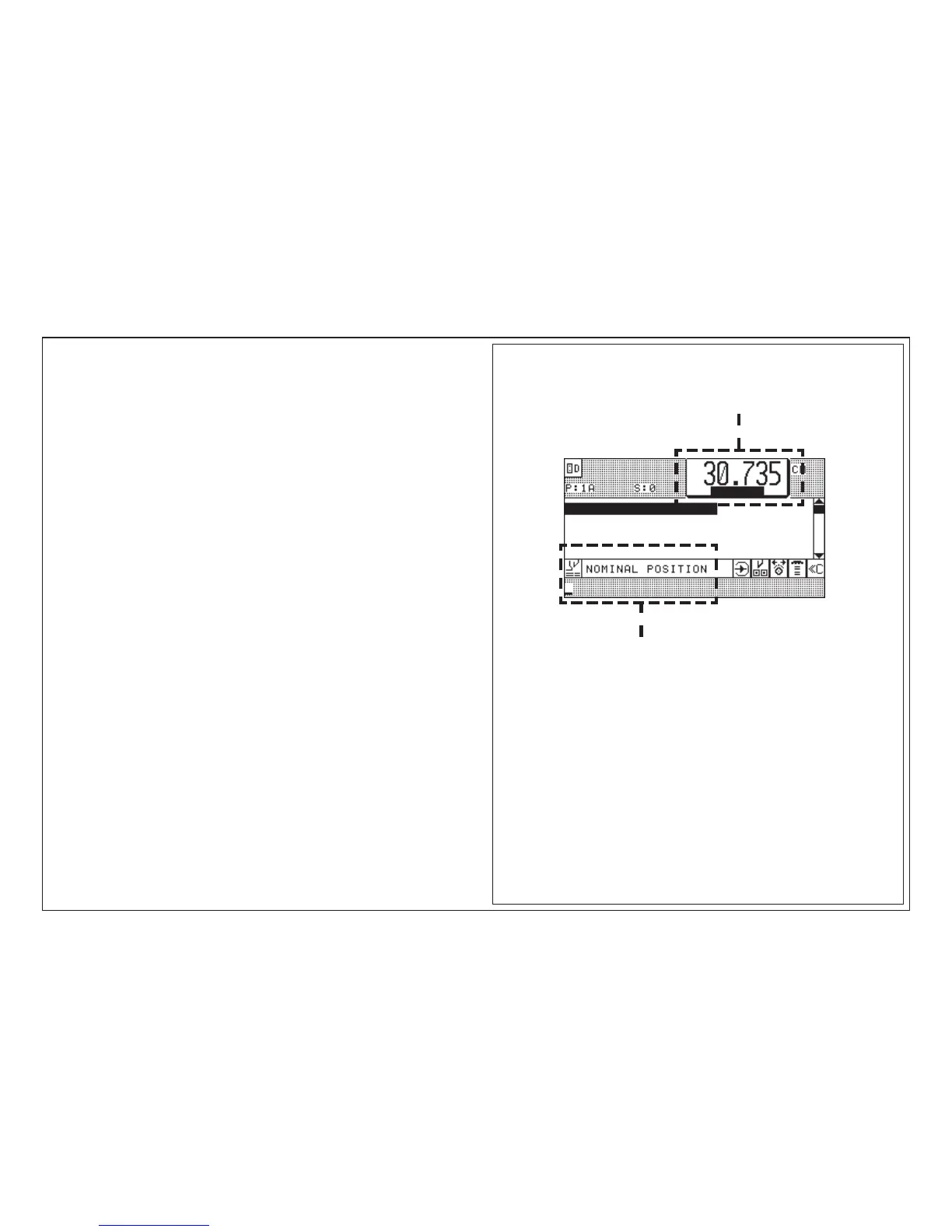
After switching on, the "Program Data Display"* appears on the screen.
It shows among other things...
on the upper screen (A): ACTUAL POSITION
on the lower screen (Nominal position input field, B):
NOMINAL POSITION INPUT
The actual position (A) shows the real backgauge position in mm, cm, inches or
sun = 1/10 shaku (Japan).
Measurement system can be changed - see "Function Survey, page K5B - 3"
* If this fails, see Malfunctions/Breakdowns, page K7 - 5.
Measurement Display and Measurement System



 To Next Page