K5A - 17
Correction of an Input Error
5.0 Automatic Operation
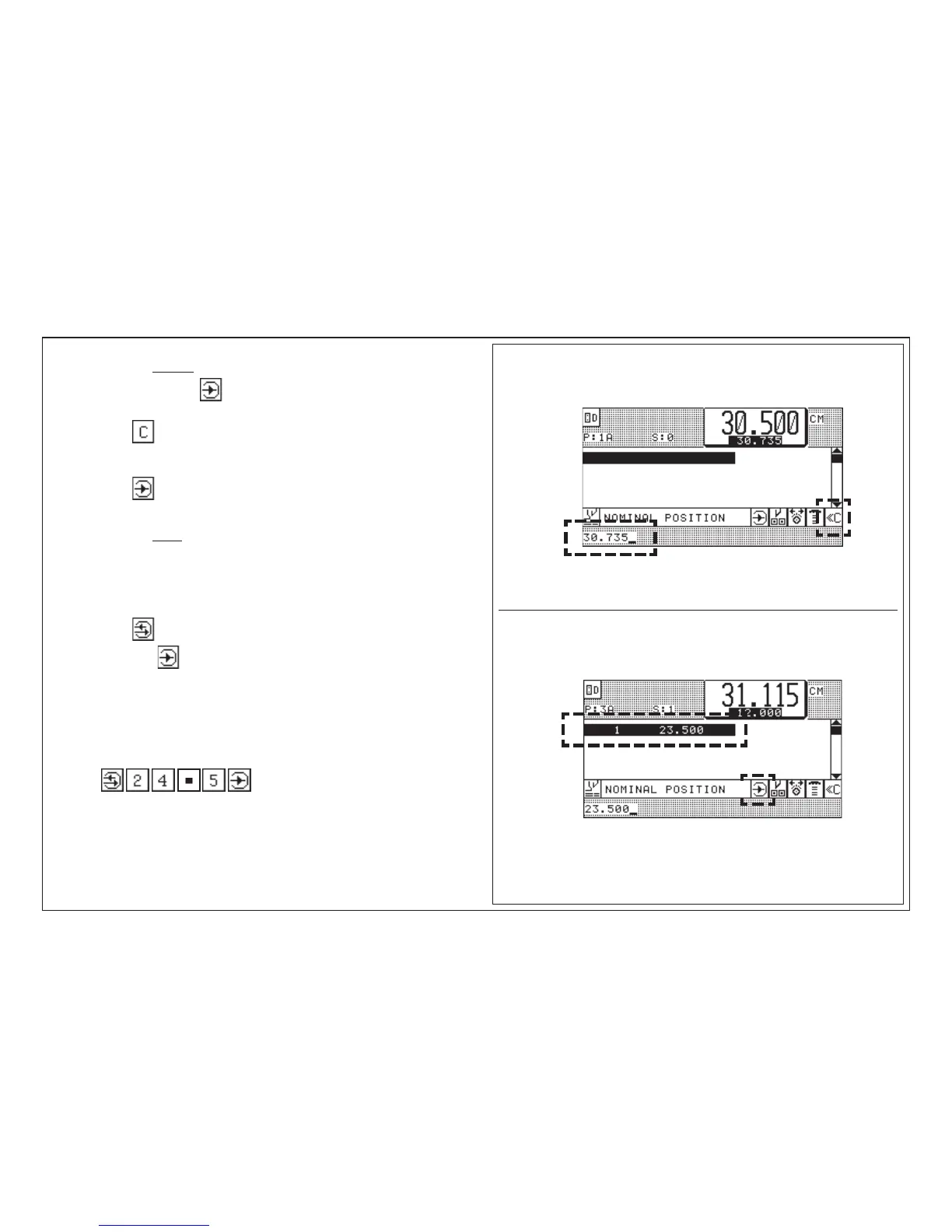
A. Correcting before storing
(prior to pressing of key "Enter" ; nom.pos. is shown in input section
1. Press key < nom. pos. in input section disappears >
2. Enter correct size/comment
3. Press key "Enter"
B. Correcting after storing
(Nom. pos. is shown in program-data section)
1. Select step number (cursor)
2. Press key "Correction"
3. Enter right size "Enter"
4. Press key
Example: size 23.500 cm in program
has to be changed to 24.5 cm
Key input:
< nom. pos. in program data section is deleted and replaced by new
measurement >



 To Next Page