K5A - 24
5.0 Automatic Operation
Inserting of Measurements into a Program
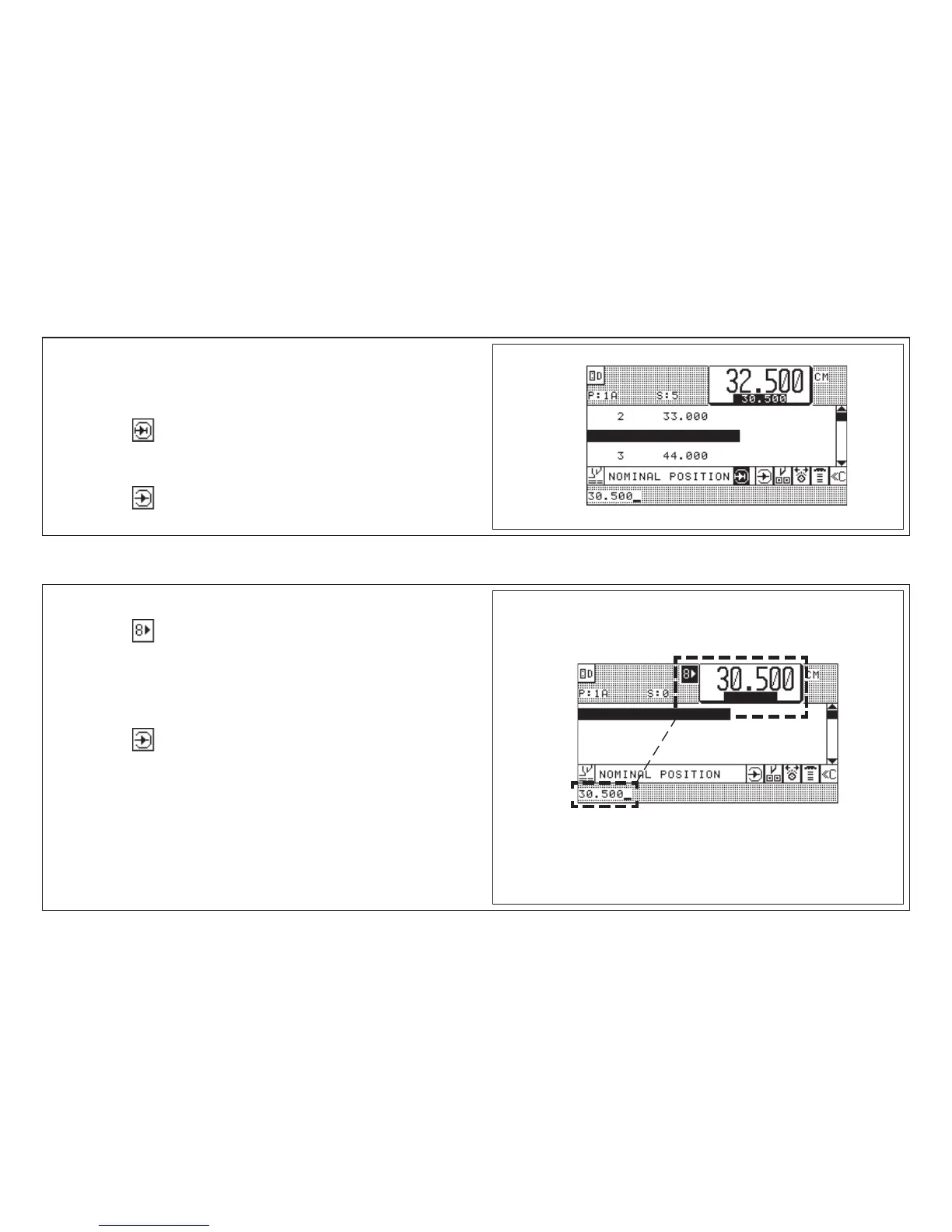
1. Select program < program data display appears >
2. Select step that will receive new measurement (cursor)
3. Press key "Insert" < step is left open for entry >
4. Enter measurement (e.g. 30.500)
5. Press key "Enter"
Example:
Storing of Measurements According to Printed Image
1. Select free program
2. Press key "Actual - Nominal Position"
< actual size appears in input section >
3. Align stock at backgauge
4. Adjust backgauge by handwheel to correct cut position
(use optical/mechanical cutting line indicator)
5. Press key "Enter" < actual size is stored >
< function is switched off automatically when automatic function is
switched on >



 To Next Page