K5A - 9
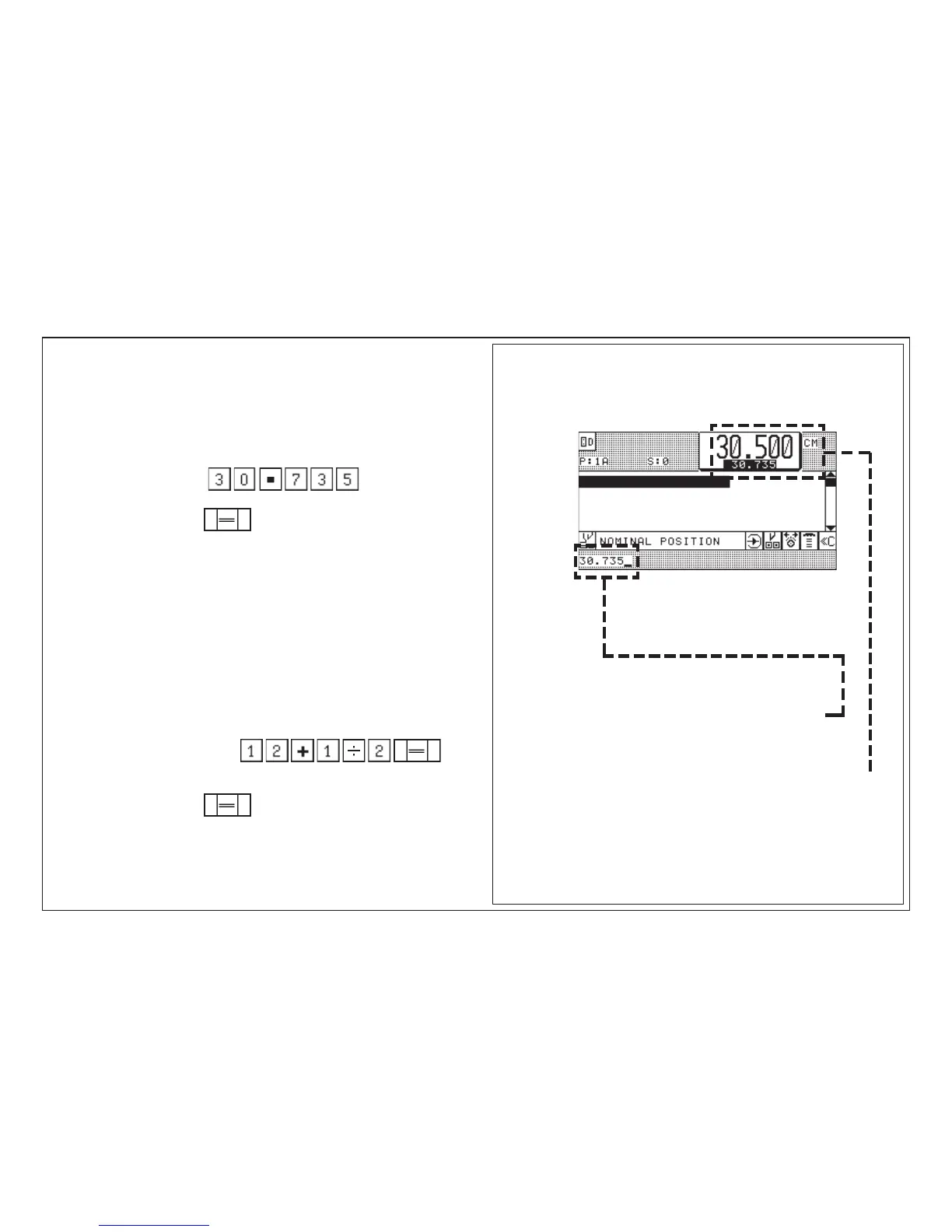
Program data display:
5.0 Automatic Operation
after 1. input: input section shows 30.735
after 2. input : backgauge moves
after backgauge stops: measurement display shows 30.735
Conditions: Automatic OFF
A Measurement input with metric system (cm)
Example:
Size Key input
1. 30,735
2. Positioning, press 2 x shortly
_________________________________________________________________
B Measurement input in inches
Same way of input as for metric system
however
value in inches entered as a fraction:
Example:
Size Key input
1. 12 1/2"
2. Positioning, press 2 x shortly
Note:
For whole sizes (no digits behind decimal point) zeroes do not have to be
keyed in. This is done automatically.
Automatic Backgauge Adjustment through Numerical Keyboard



 To Next Page