K5A - 10
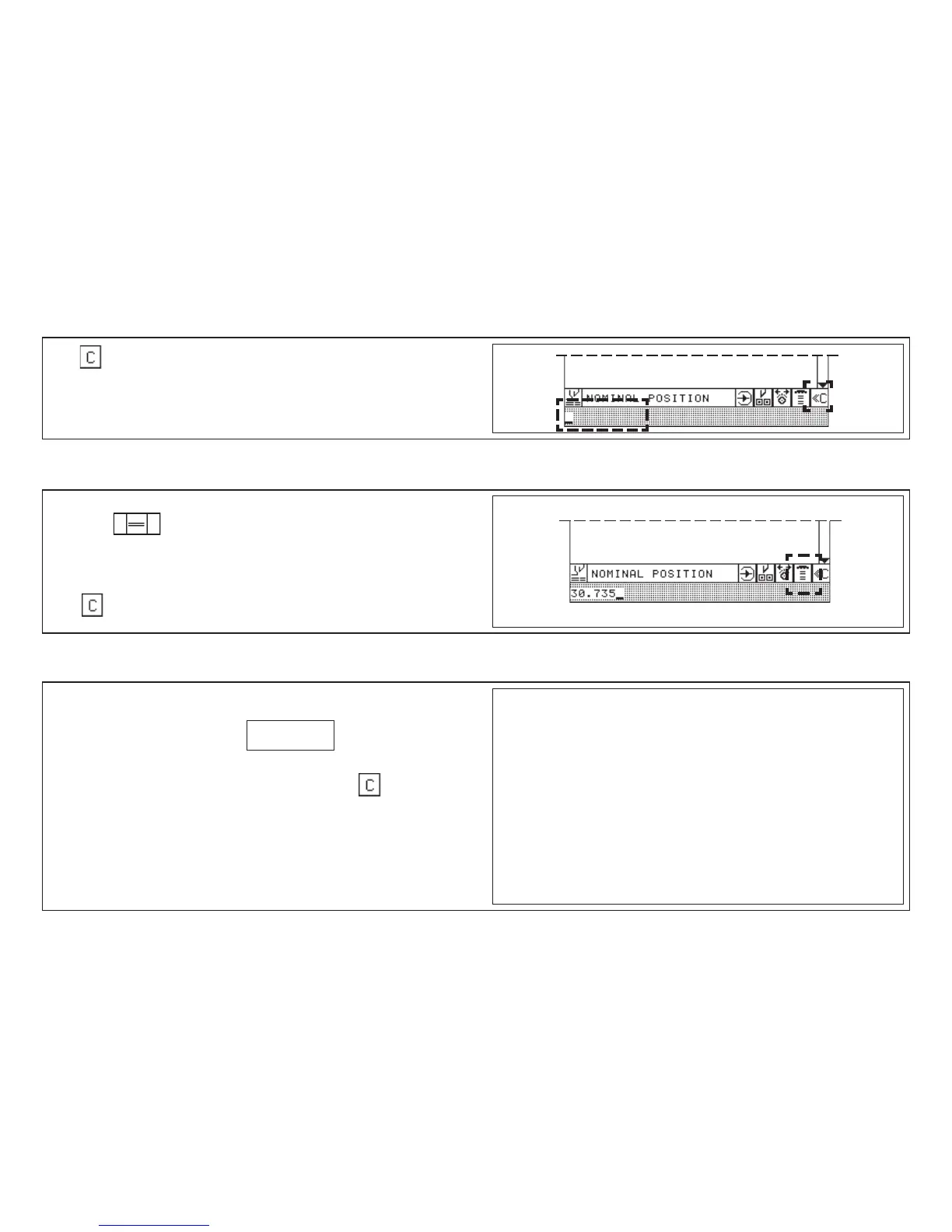
Press
< input section is deleted >
1. Enter nominal position
2. Press twice shortly
< backgauge moves to nom. pos. forward or backward >
Deletion of a wrong input
Press
If a nominal size is inserted which cannot be reached by the backgauge the
following reaction will be caused:
< a beep will sound - display: SIZE ERROR
Remedy: 1. Press any key on numerical keyboard e.g.:
2. Insert correct size
Input Error: Value of Nom. Backgauge Position too Low/High
5.0 Automatic Operation
Moving Backgauge to a Nominal Position (Positioning)
Deletion of a Wrong Input



 To Next Page