K5C - 2
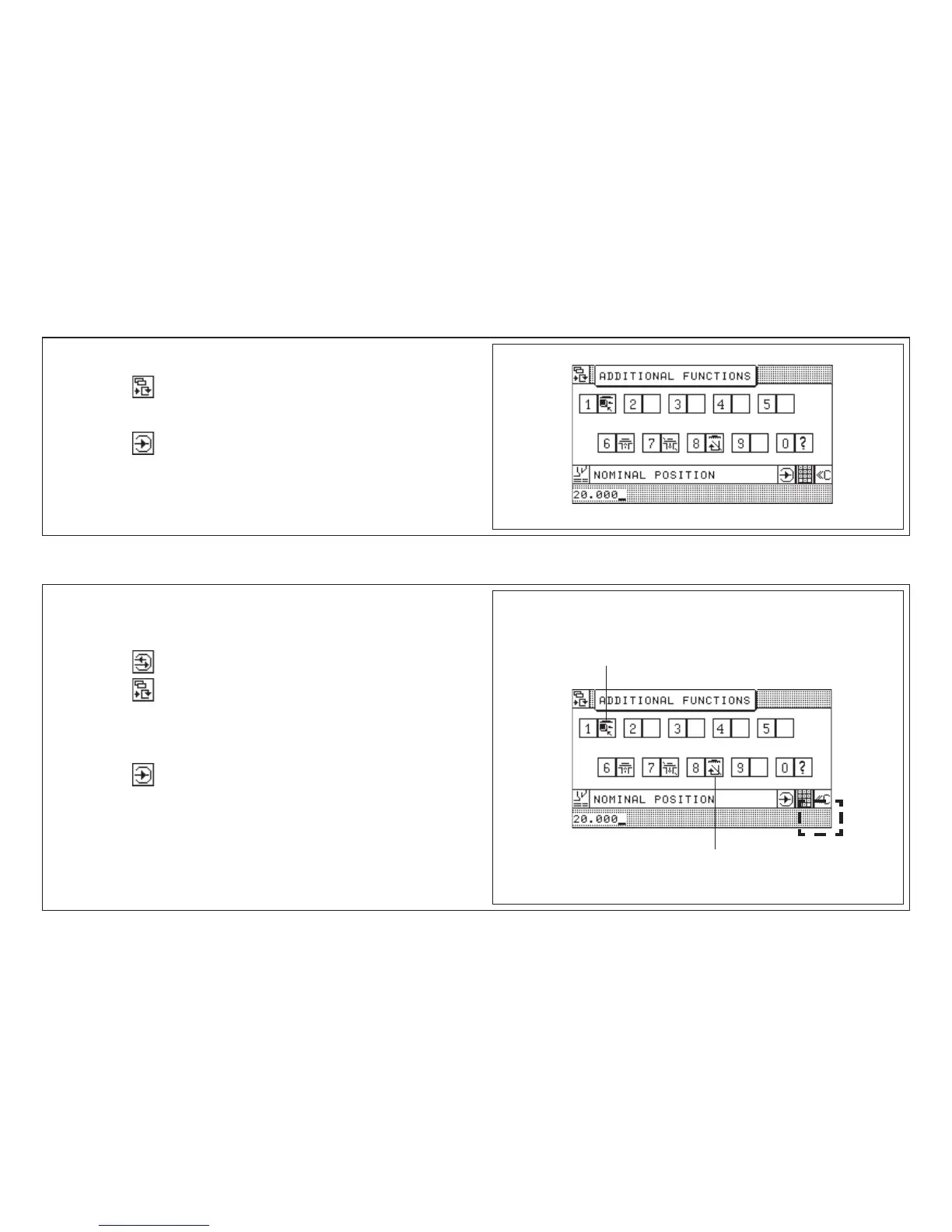
1. Enter cut size
2. Press key < additional function menu is opened >
3. Enter number of desired Additional Function
4. Press key
< for identifying the stored Additional Function the symbol is
displayed behind the step number >
1. Select program < program data display appears >
2. Select step number
3. Press key "Correction"
4. Press key < add. function menu is displayed >
5. Enter number of desired Additional Function
< symbol is displayed in input section >
6. Press key
< additional function is stored; symbol is displayed behind the step
number >
Erase Additional Function:
Repeat above procedure
Storage of Additional Functions with Cut Size
5.0 Automatic Operation
Additional functions:
Subsequent Storing of Additional Functions
Ejector OFF
Jogging mark



 To Next Page