K5A - 6
Press key
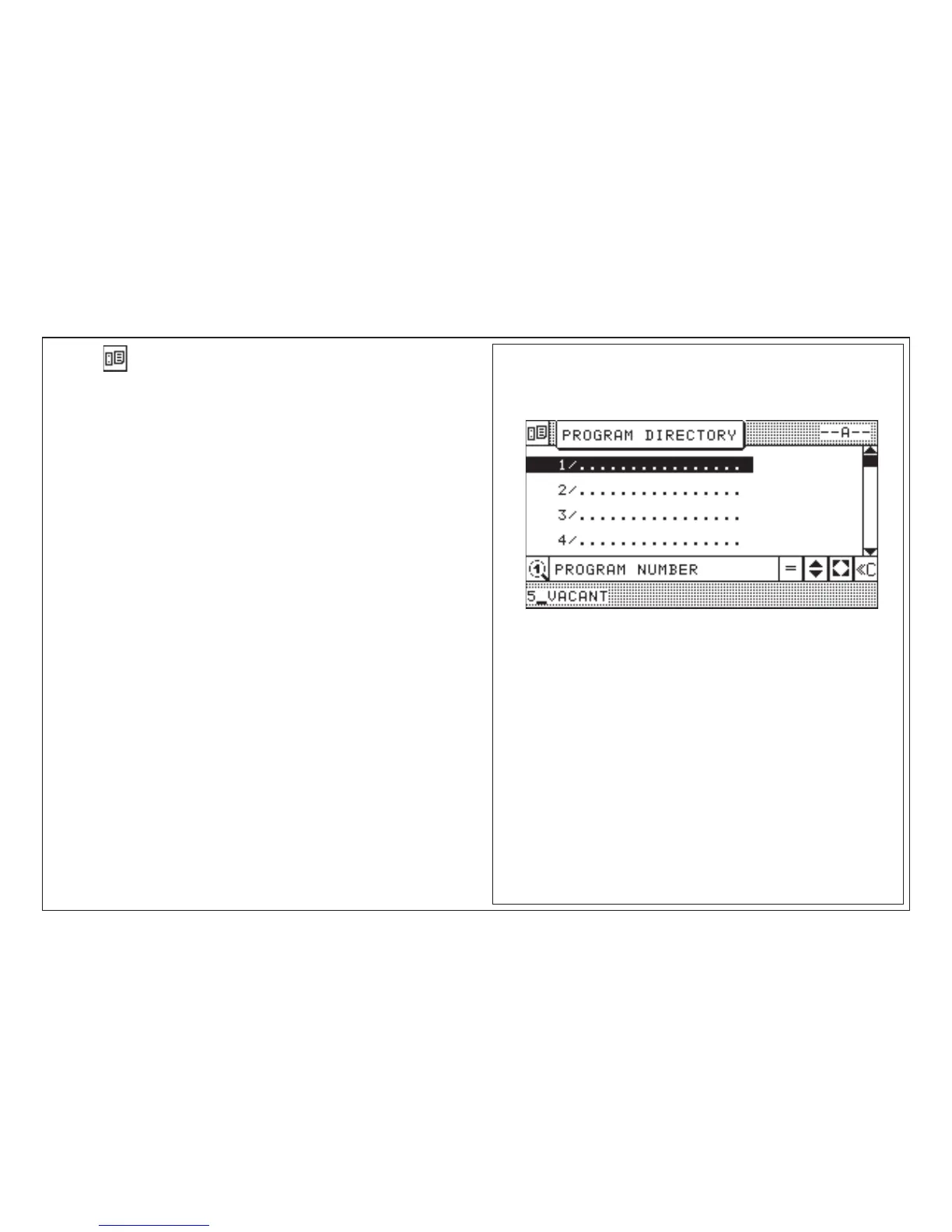
The program-survey shows all stored programs of the selected memory with the
following data:
(screen top): e.g.: - A - = memory "A"
e.g.: 1/ = program number
e.g.: 1/1575 = order number/order name
PROGRAM NUMBER
5_VAC. = display of number of the next free
program of the actual memory section
Note:
One "page" of the display can show a maximum of 4 programs.
If more than one page is used, you can turn to next page with cursor key
(observe rolling bar on display)
Other input modes in this display:
• program selection
• program deletion
• memory deletion
Basic Display: Program Directory
5.0 Automatic Operation
Basic display "Program Directory"



 To Next Page