5.0 Automatic Operation
Cursor = indicator
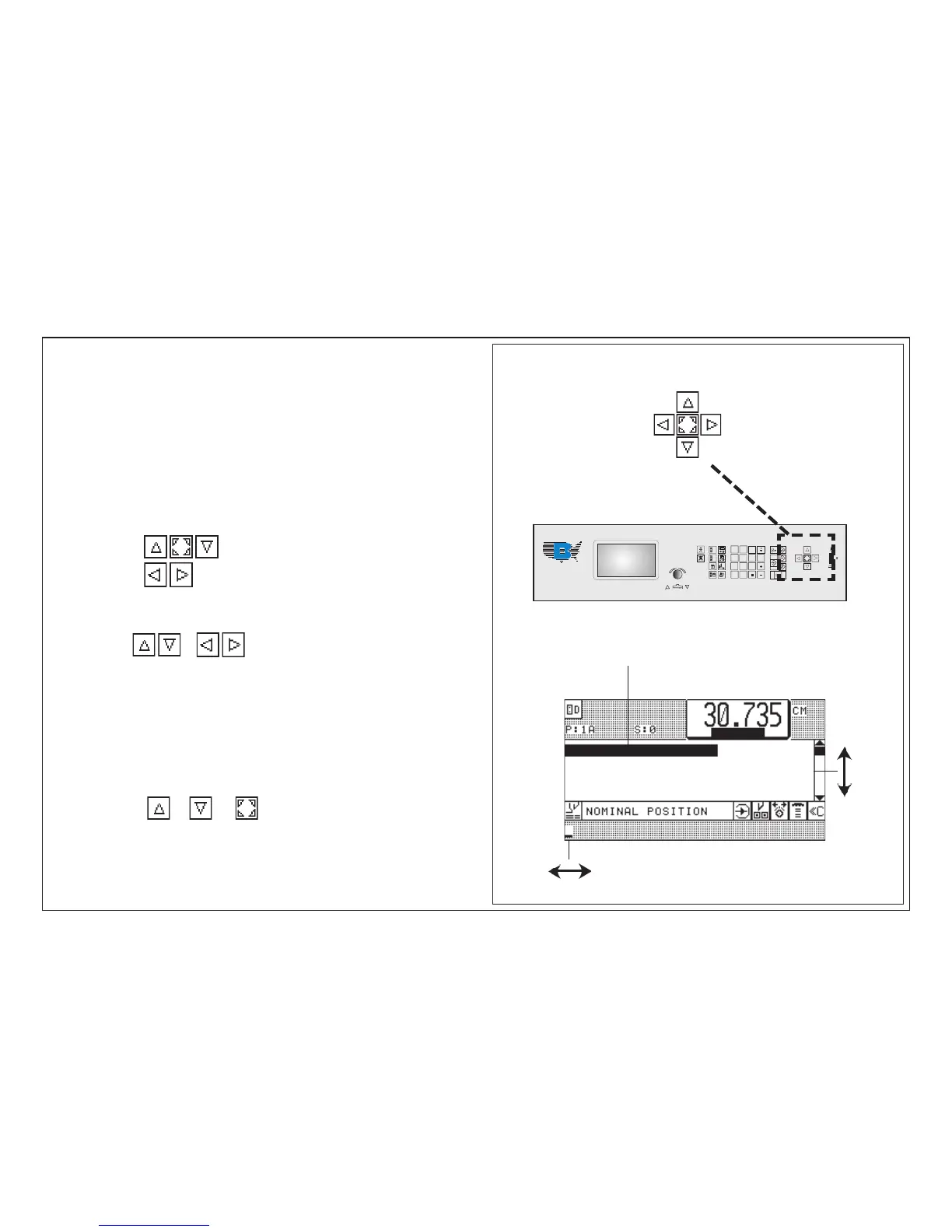
The basic displays contain two kinds of cursor :
A. Cursor "step" ( in program data section)
B. Cursor "input" (flashes in input section)
Cursor movement:
Meaning:
Cursor "step":
Cursor "input":
Operation
pressing of keys or once
< cursor moves to next step (up or down) or input digit >
pressing of keys constantly:
< cursor moves constantly up/down >
only cursor "step":
if together with key or key is pressed
< cursor will "jump" to first or last step >
Cursor Movement in Basic Display
Cursor keys
Cursor "input"
Cursor "step"



 To Next Page