K5A - 15
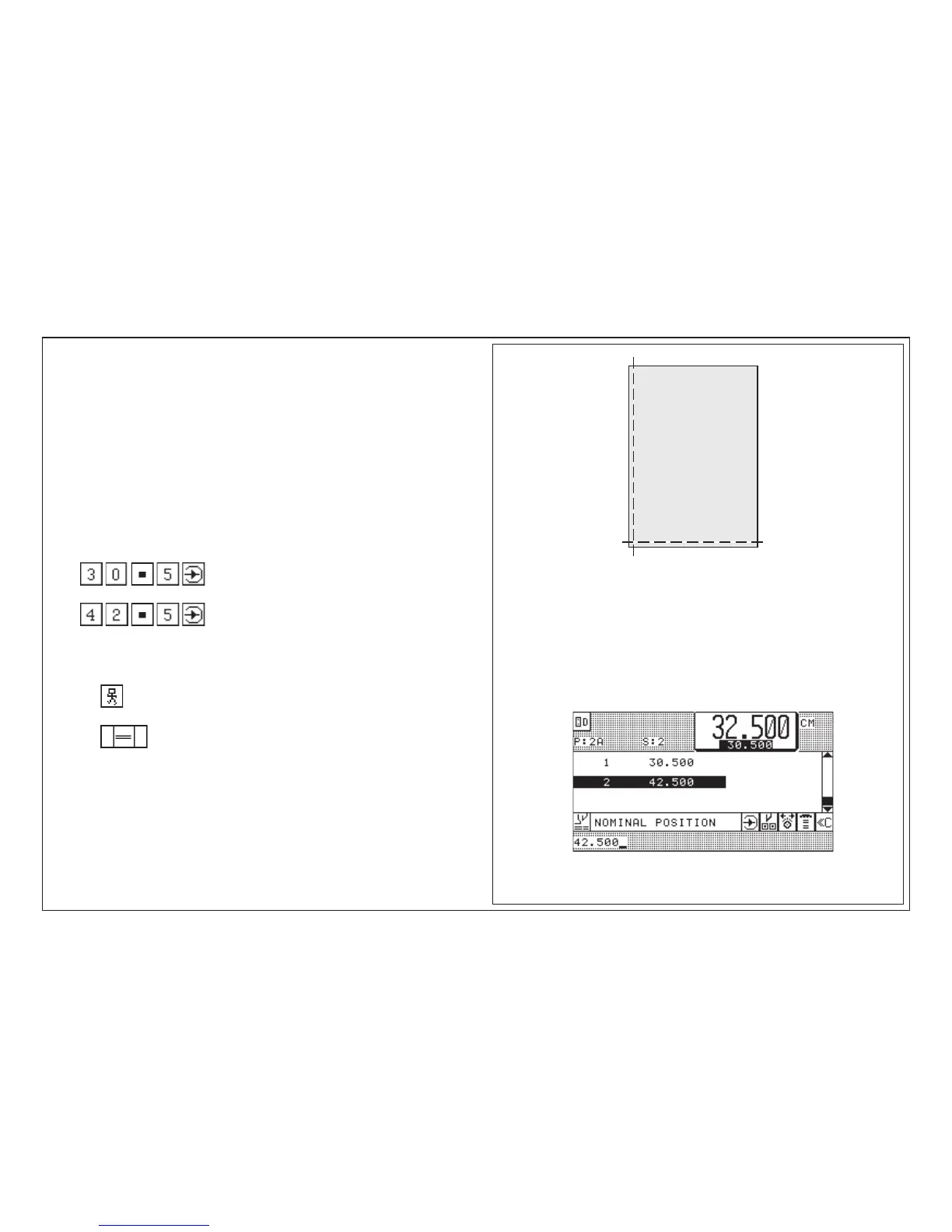
2. 42,5 cm
1. 30,5 cm
5.0 Automatic Operation
Setting Up a Cutting Program, Example 1
Two side trim on size DIN A3
untrimmed size 31 x 43 cm
Cut sizes to be stored on program no. 3A
1. Cut size: 30,5 cm
2. Cut size: 42,5 cm
Key input:
1. Call program 3A
2.
3.
Running the program:
Press key (Automatic ON)
Press key twice
< backgauge moves to first cutting position; after the cut is triggered:
ejector moves forward automatically; after that the second cutting position is
approached >
Program data display after key input:



 To Next Page