5.0 Automatic Operation
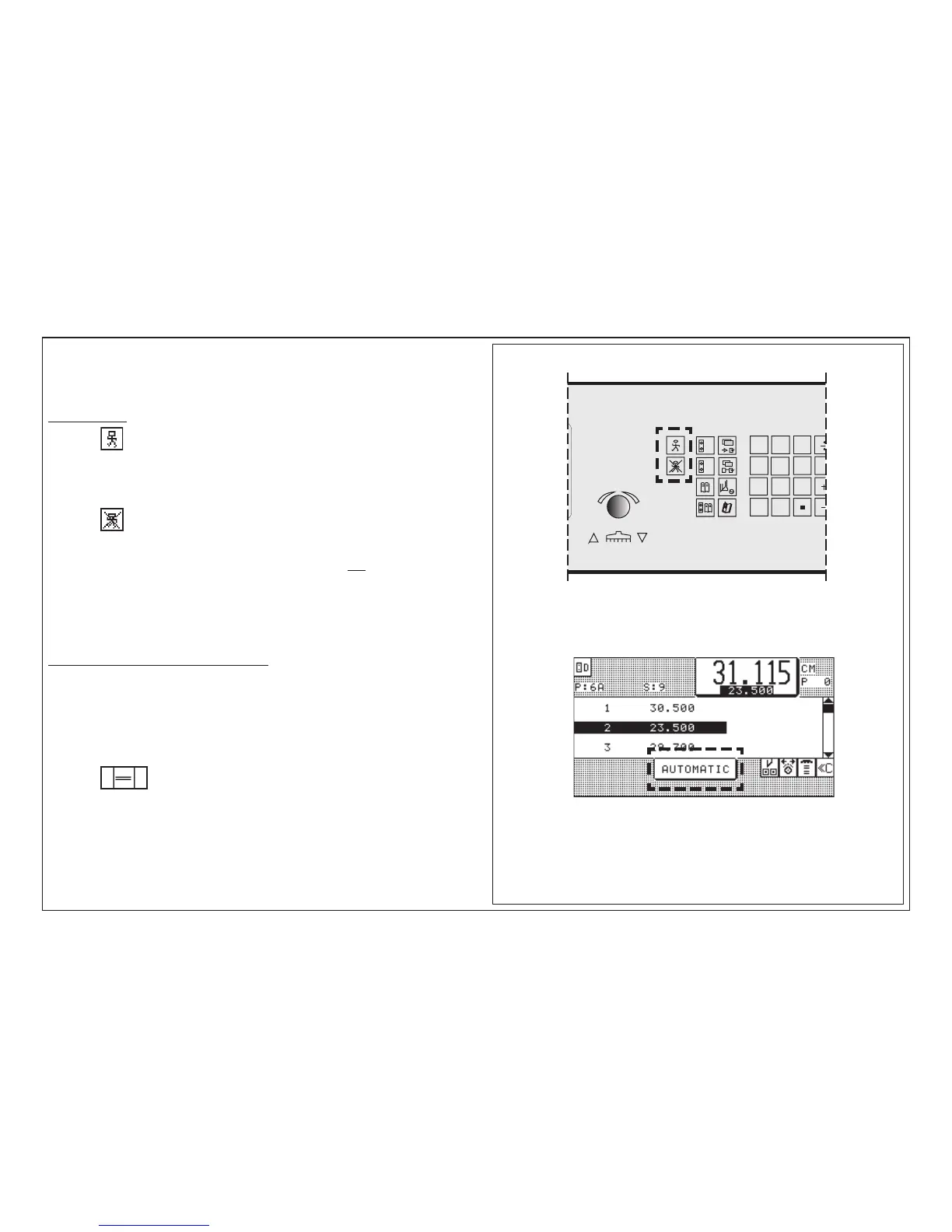
Automatic ON/OFF
Funtion: Automatic backgauge advance to the next step number
after cutting process
Automatic ON:
Press key < after cut: automatic backgauge advance to next cut size;
display reads: AUTOMATIC
Automatic OFF:
Press key
Attention!
When Automatic is switched on the following operations are not possible:
• programming
• automatic setting of backgauge through size input
Positioning check in automatic operation
For example, when a positioning process in automatic operation has been inter-
rupted (cutting position has not been reached!) and the operator tries to release a
cut in automatic mode after that, a visual and audible indication is made "GO TO
POSITION".
When the position must be moved to:
Press key twice



 To Next Page