K5A - 19
5.0 Automatic Operation
Running a Cutting Program
Example: Setting a cutting program, example 1
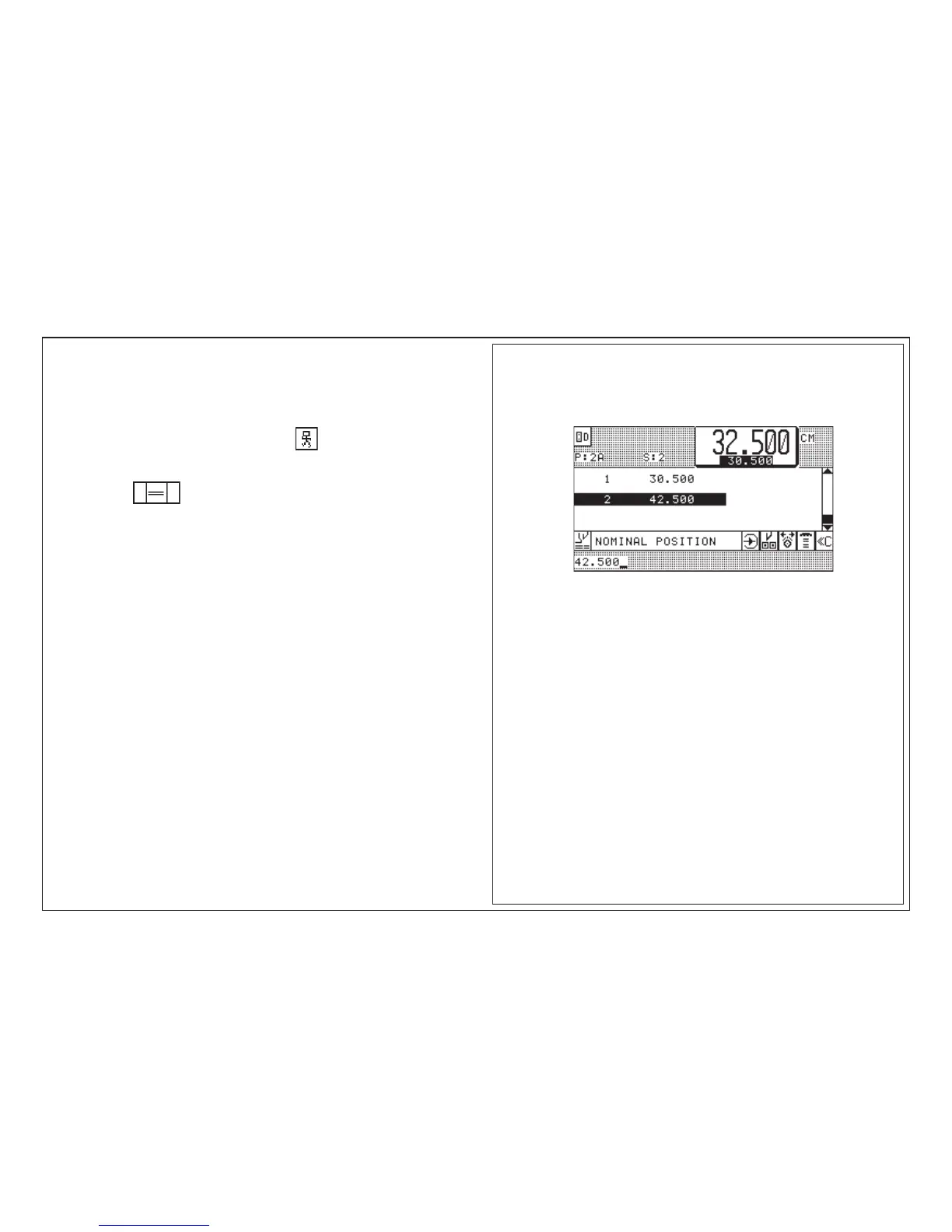
1. Call program 2A < display shows program data of program 2A >
2. Switch on Automat forward: press key
Operation mode: AUTOMATIC
3. Press key 2 x shortly < backgauge moves to 1. cut size >
4. Align stock
5. Make cut
After cut:
- backgauge advances approx. 5 cm/2" (ejector)
- then reverse to 42.500 (with air table)
6. Turn stock by 90° and line up
7. Make cut
after last cut of a program:
- cursor jumps back to 1. step
- backgauge moves to that size



 To Next Page