K5A - 11
Possible in all 4 basic monitor displays!
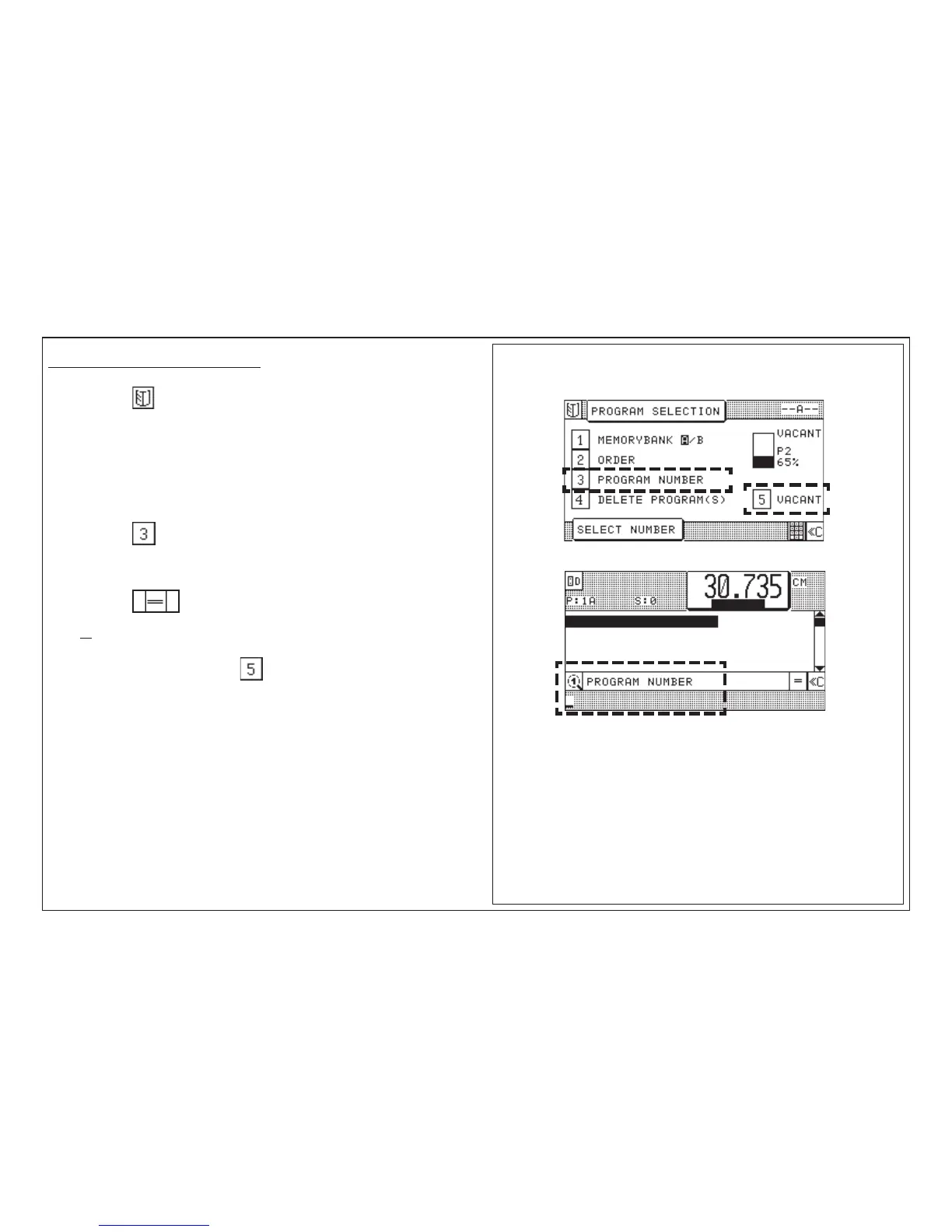
1. Press key "Program Selection"
< Selection menu appears;
Assignment display in the right-hand section of the image: display of free
programs of selected memory segment A in % >
Make selection "Program Number":
2. Press key
3. Enter desired program number
4. Press key < Program Data display of the program appears >
or
5. Select free program - press key < next free program appears >
Display (example):
5.0 Automatic Operation
Selection of a Free Program/Display of the Next Free Program



 To Next Page