5.0 Automatic Operation
Conditions: Automatic OFF
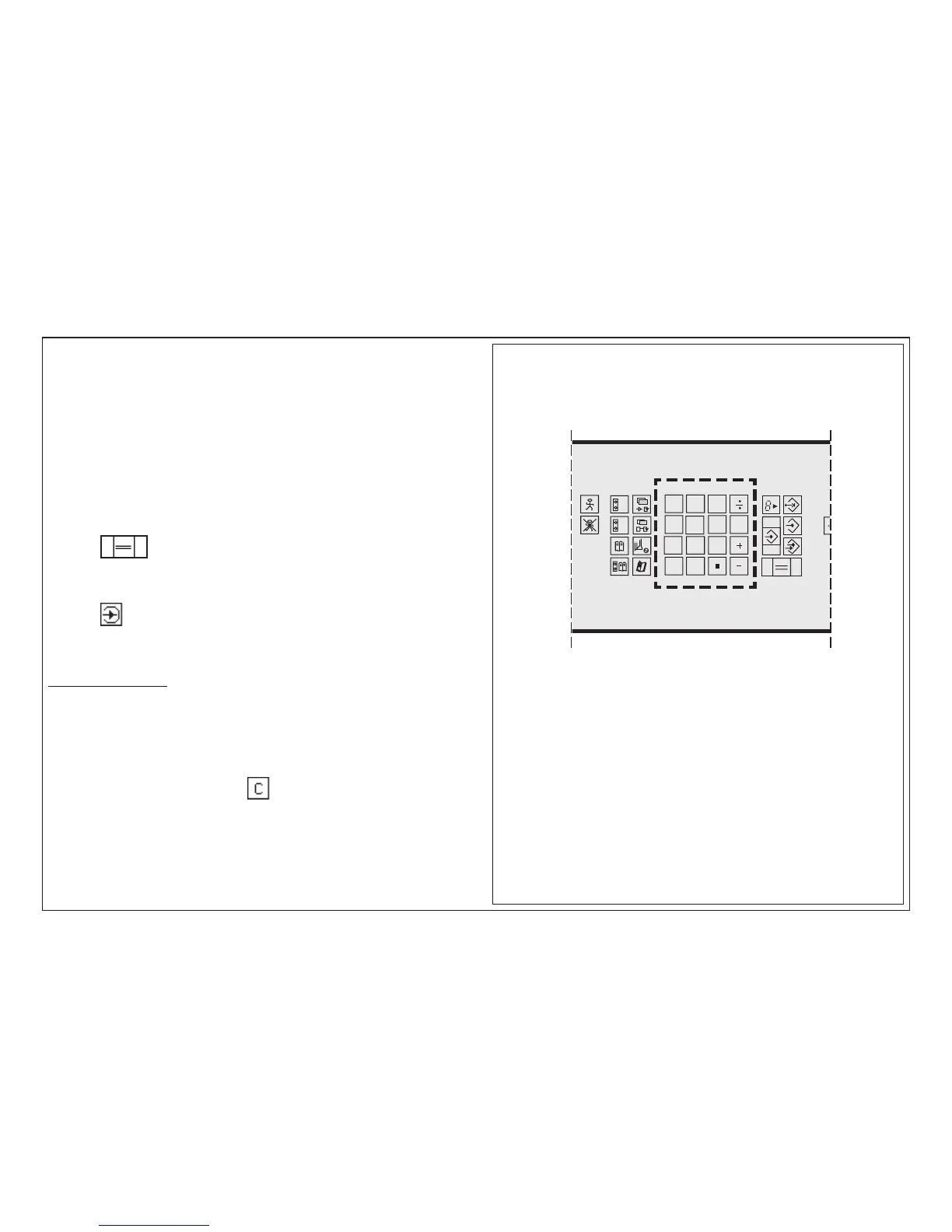
The digital and calculator keys enable 4 basic arithmetic operations.
They can be used to calculate cut sizes.
The calculation and the solution are always displayed in the input section.
Note:
Pressing of keys "+", "-", "x" and ":" will always result in the display of the last
digital input of the previous calculation.
This will be deleted during the new input.
To set backgauge to a calculated size
Press key twice shortly
To store this size:
Press key "Enter"
Overflow Indicator
If the solution of a calculation exceeds 999.999
< a beep will sound; mode display: DIGIT OVERFLOW >
Remedy: clear last input by pressing twice;
enter new figure
Calculator Functions



 To Next Page