Flashing pattern of both LEDs Error recovery
m blinking once then pause
1)
h Send module to company Baumüller
Nürnberg GmbH
m blinking twice then pause
2)
m blinking three times
3)
m blinking four times then pause
4)
h Send device b maXX 4400 to company
Baumüller Nürnberg GmbH.
Error detection and trouble shooting
Instruction handbook CANopen slave BM4-O-CAN-03
Document no. 5.02014.06
45
of 68
8
1)
Hardware is faulty or no CANopen hardware on the option module
2)
no CANopen software on the option module
3)
a newer CANopen software version is necessary
4)
Hardware error of the device b maXX 4400
8.3.2.2 Establish a communication for b maXX controller
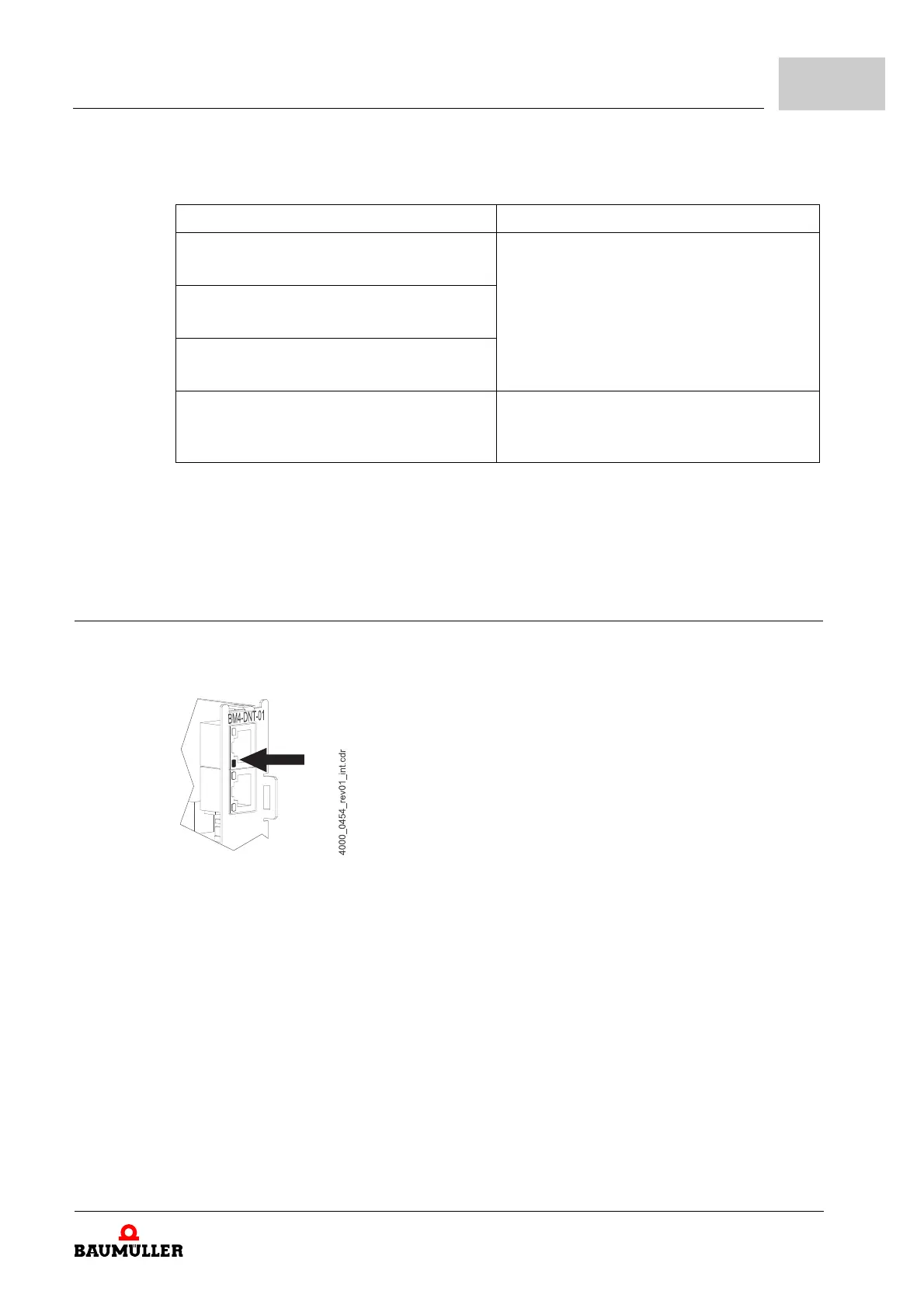
After booting the option module CANopen slave tries to establish the communication with the
CANopen network. If the module cannot establish the communication, the red LED H2 blinks:
Figure 15: Error - no communication b maXX controller
As soon as a few valid Data frames have been send/received, the red LED H2 turns off. This
means, that although there is a valid communication the LED still can blink.



 To Next Page
 Loading...