Mounting and Installation
Instruction handbook CANopen slave BM4-O-CAN-03
Document no. 5.02014.06
27
of 68
5
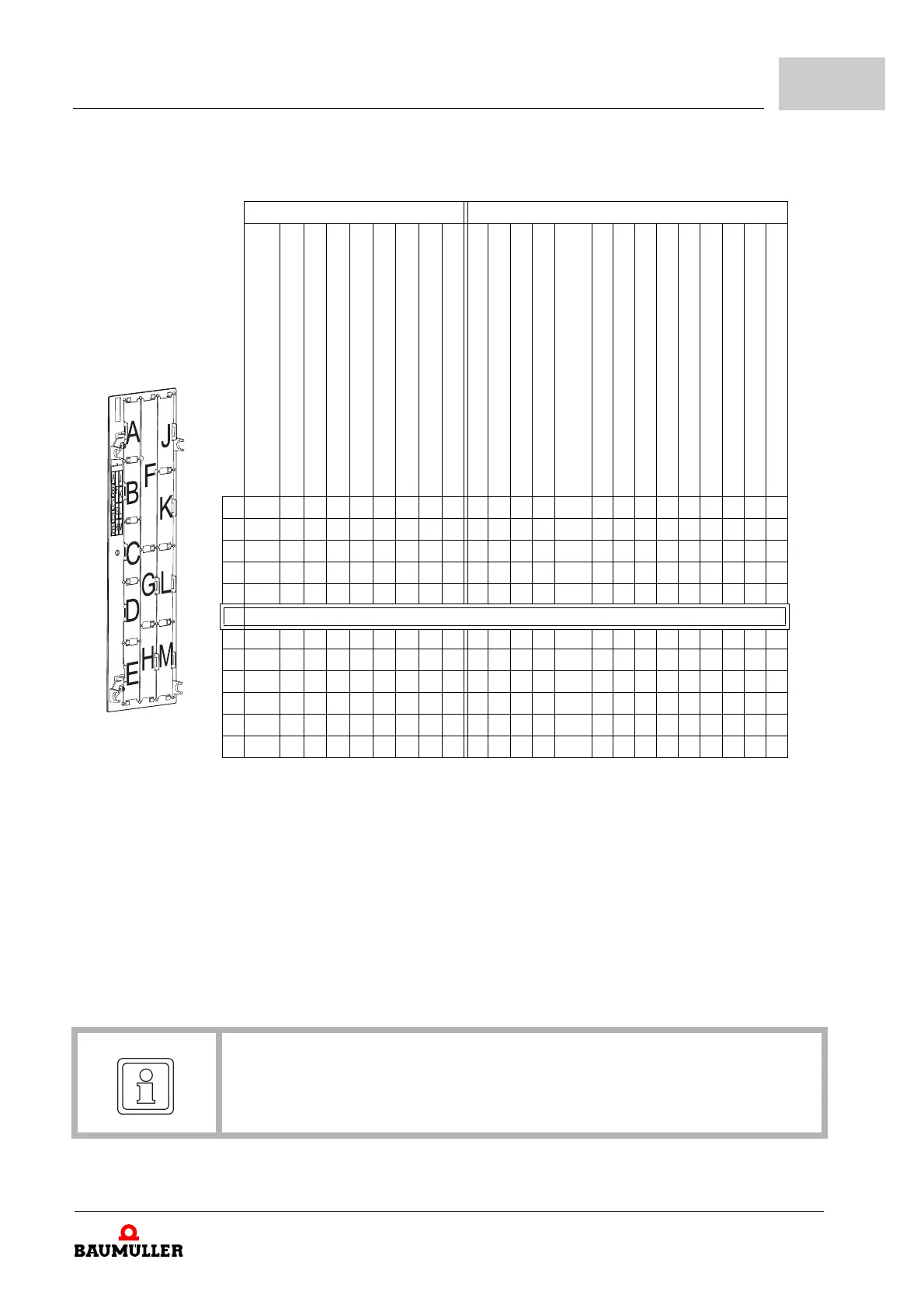
h determine the correct slot (see ZFigure 6– on page 27).
Function modules Option modules
BM4-F-ENC-XX
(encoder 1 for motor control recommended)
BM4-F-ENC-XX (encoder 2)
BM4-F-AIO-01 (analog I/O)
BM4-F-AIO-02/03/04 (analog I/O)
BM4-F-DIO-XX (digital I/O)
BM4-F-FIO-XX (fast digital I/O)
BM4-F-IEE-XX (incremental encoder emulation)
BM4-F-SIE-XX (SSI encoder emulation)
BM4-F-UME-XX (mains voltage measurement)
BM4-O-SER-XX (Sercos slave)
BM4-O-PRO-01 (Profibus slave)
BM4-O-CAN-03 (CANopen slave)
BM4-O-ECT-01 (EtherCAT slave) for controller
BM4-O-PLK-01
(POWERLINK Controlled Node) for controller
BM4-O-EIP-01 (Ethernet-IP) for controller
BM4-O-PLC-XX (SPS)
BM4-O-CAN-04* (CANopen master)
BM4-O-IEI-XX* (incremental counter module)
BM4-O-ETH-01* (Ethernet)
BM4-O-ETH-02* (Ethernet + CANopen master)
BM4-O-ECT-01* (EtherCAT slave) for PLC
BM4-O-ECT-02* (Ethernet + EtherCAT master)
BM4-O-ECT-03* (Ethernet + EtherCAT cluster)
A X - - o o o - o o - - - - - - - - - - - - - -
B - X - o o o - X o - - - - - - - - - - - - - -
C - - - o o o V - o - - - - - - - - - - - - - -
D - - - o X X - - X - - - - - - - - - - - - - -
E - - X X o o - - - -
- - - - - - - - - - - - -
F Controller unit
G - - - - - - - - - o o o o o o o X X X X X X X
H - - - - - - - - - X X X X X X X o - o o o o o
J - - - - - - - - - - P P - - - - o o o o - - -
K - - - - - - - - - - P P - - - - o o o o o o o
L - - - - - - - - - - P P - - - - o o o o o o
o
M - - - - - - - - - - P P - - - - o o o o o o o
Steckkarten_Rev20_e
X:
o:
P:
V:
-
*
preferred slot
Baumüller Nürnberg GmbH recommends, in order to re
ach the highest functional range, to
insert the plug-in modules into these slots.
possible slot
only if the preferred slot is occupied, we recommend
in order to reach the highest functional
range, to insert the plug-in modules into this slot.
only possible, if on slot G or H a PLC module (
PLC) is plugged and the PLC (and not the
controller) operates the communication to the field bus slave module.
dependent on controller hardware
not possible - card doesn’t wo
rk in this slot.
precondition for these cards is an inserted PLC module.
NOTE!
Only 2 analog outputs can be parametrized or linked even more than one AIO module
is plugged.
Figure 6: Slot combinations



 To Next Page
 Loading...