Configuring Your Router
Advanced Setup – Routing (Default Gateway)
BEC 8920AC User Manual
Advanced Setup
Routing
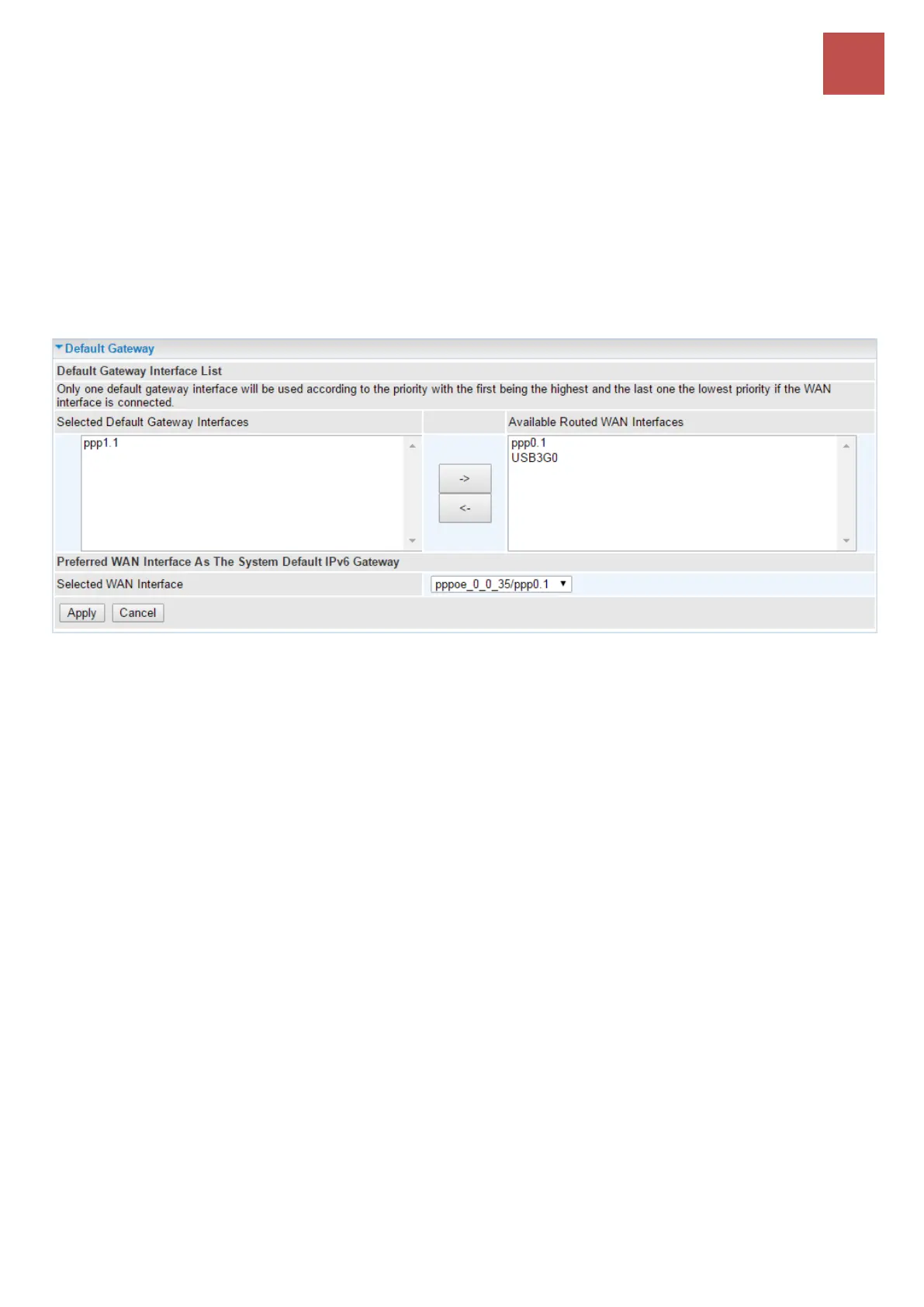
Default Gateway
Note: Only one default gateway interface will be used according to the priority with the first being the highest and the last
one the lowest priority if the WAN interface is connected.
Select an appreciated WAN interface from Available WAN Interface box then using the left-arrow
sign () to move it to the Selected Default Gateway Interface box
To remove interface(s) from Selected DNS Server Interface box, simply click the unwanted interface
then use the right-arrow sign () to re move it.
For IPv6, please select a Default IPv6 Gateway from the drop-down menu.



 To Next Page