Configuring Your Router
Advanced Setup – Certificate (Trust CA)
BEC 8920AC User Manual
Certificate
This feature is used for TR069 ACS Server authentication of the device using certificate, if necessary.
If the imported certificate doesn't match the authorized certificate of the ACS Server, the device will
have no access to the server.
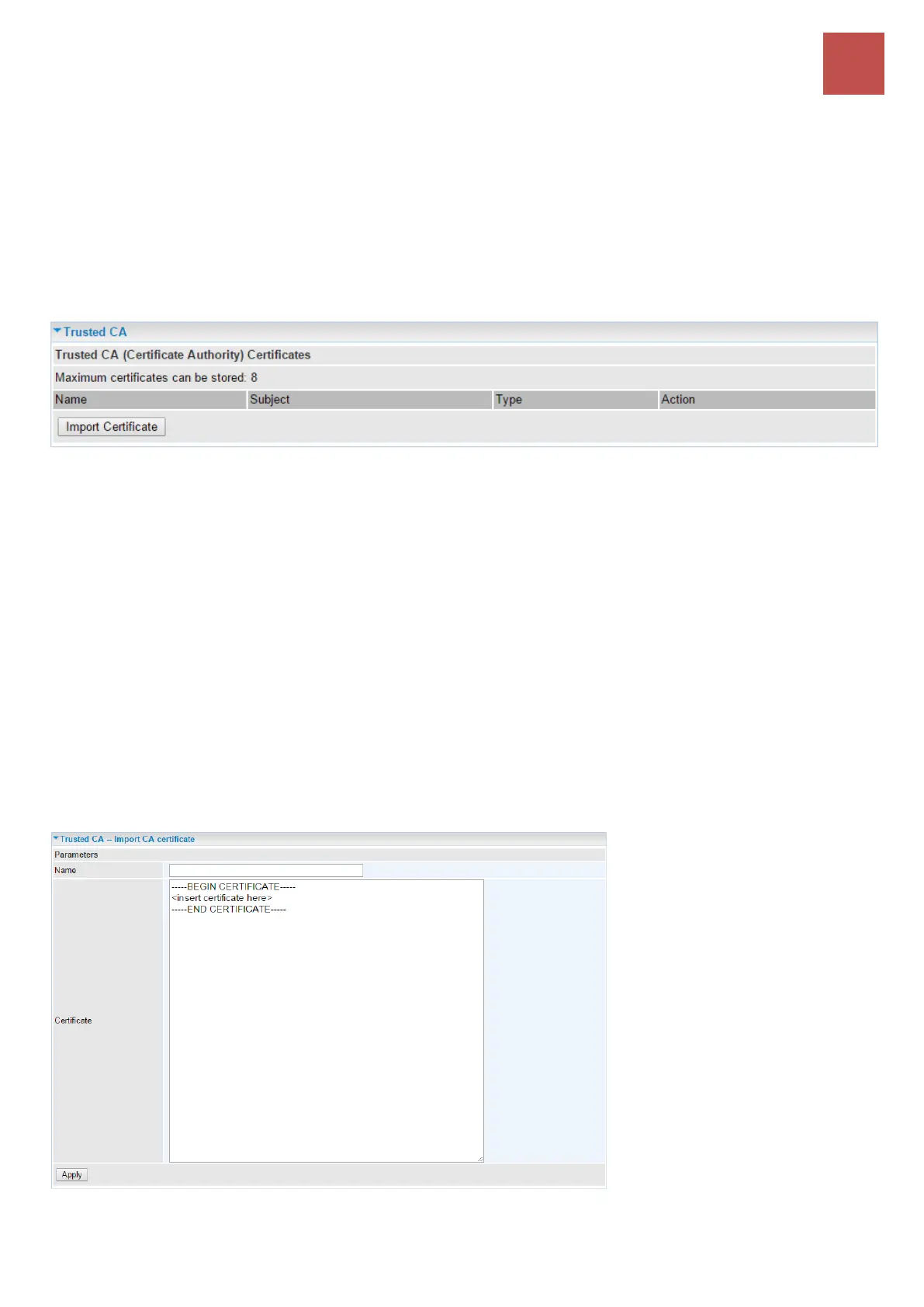
Trusted CA
Name: The given name to identify this specific certificate.
Subject: The certificate subject.
Type: The certificate type information.
ca: Indicates that the certificate is a CA-signed certificate.
self: Indicates that the certificate is a certificate owner signed one.
x.509: Indicates the certificate is the one created and signed according to the definition of
Public-Key System suggested by x.509.
Action:
View: view the certificate.
Remove: remove the certificate.
Click Import Certificate to import your certificate.
Enter the certificate name and insert the certificate.



 To Next Page