Configuring Your Router
Status – Statistics (WAN & xTM)
BEC 8920AC User Manual
Received/Transmitted Errs: Rx/TX (receive/transmit) packets that are errors.
Received/Transmitted Drops: Rx/TX (receive/transmit) packets that are dropped.
Reset statistics: Click to update the statistics.
xTM
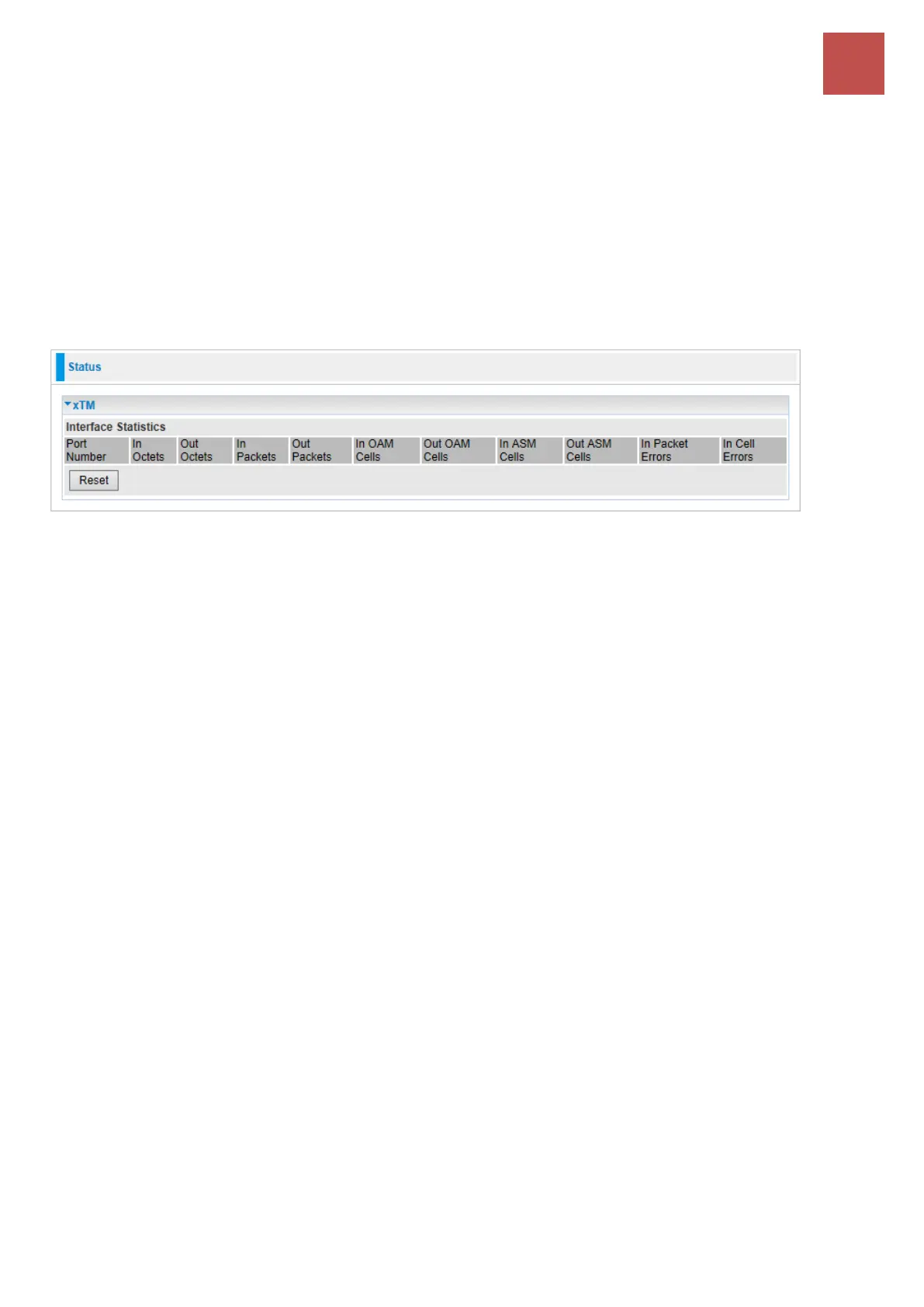
The Statistics-xTM screen displays all the xTM statistics
Port Number: Shows number of the port for xTM.
In Octets: Number of received octets over the interface.
Out Octets: Number of transmitted octets over the interface.
In Packets: Number of received packets over the interface.
Out Packets: Number of transmitted packets over the interface.
In OAM Cells: Number of OAM cells received.
Out OAM Cells: Number of OAM cells transmitted.
In ASM Cells: Number of ASM cells received.
Out ASM Cells: Number of ASM cells transmitted.
In Packet Errors: Number of received packets with errors.
In Cell Errors: Number of received cells with errors.
Reset: Click to reset the statistics.



 To Next Page