Configuring Your Router
Status – Route Table
BEC 8920AC User Manual
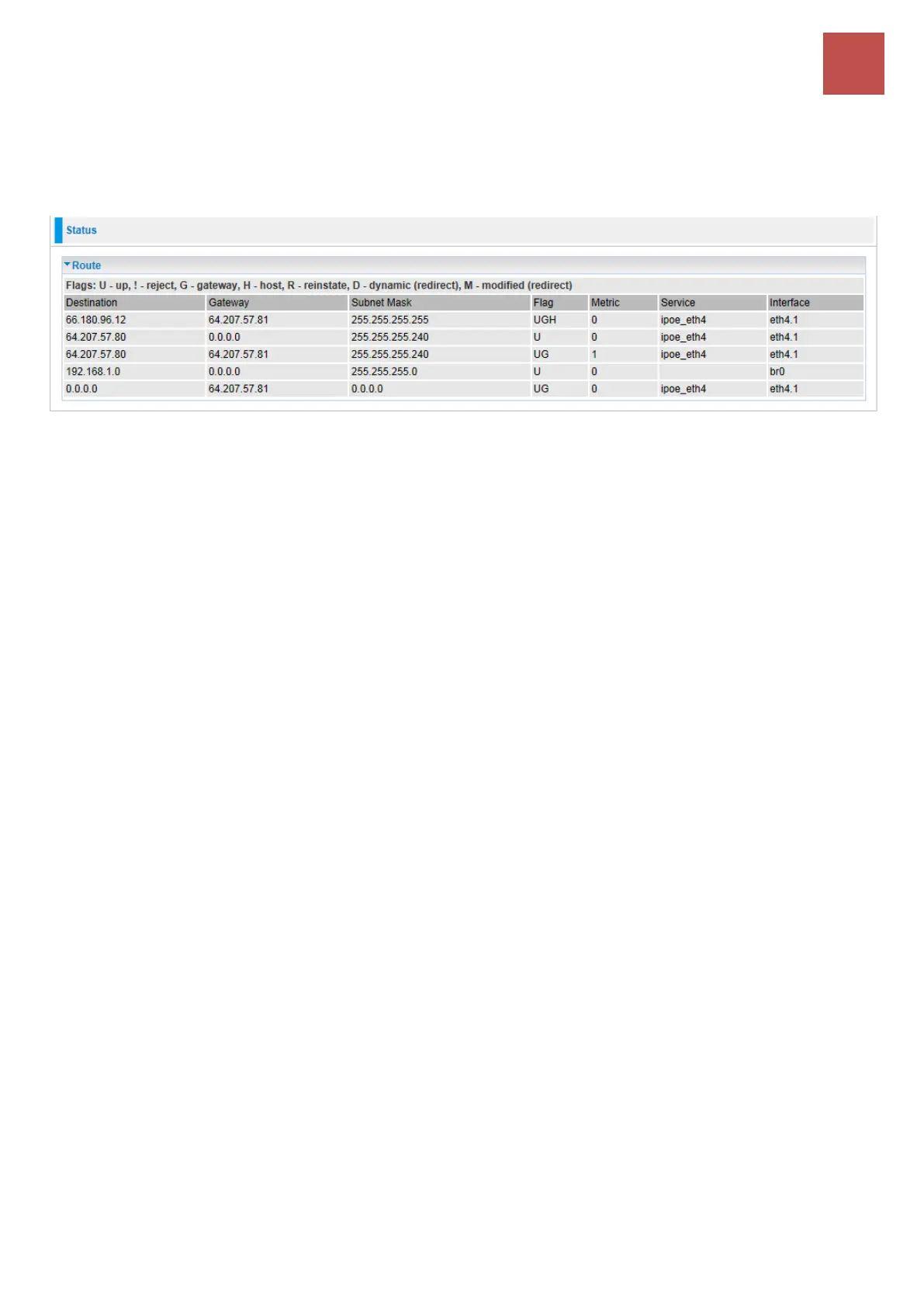
Route Table
The Rout Table provides users with a database in the router that contains current network topology such
as current paths for transmitted packets. Both static and dynamic routes are displayed.
Destination: The IP address of destination network.
Gateway: The IP address of the gateway this route uses.
Subnet Mask: The destination subnet mask.
Flag: Show the status of the route.
U: Show the route is activated or enabled.
G: Show that the outside gateway is needed to forward packets in this route.
H (host): destination is host not the subnet.
R: Show that the route is reinstated from dynamic routing.
D: Show that the route is dynamically installed by daemon or redirecting.
M: Show the route is modified from routing daemon or redirect.
Metric: Display the number of hops counted as the Metric of the route.
Service: Display the service that this route uses.
Interface: Display the existing interface this route uses.



 To Next Page