Configuring Your Router
Status – Log (System Log & Security Log)
BEC 8920AC User Manual
Log
System Log
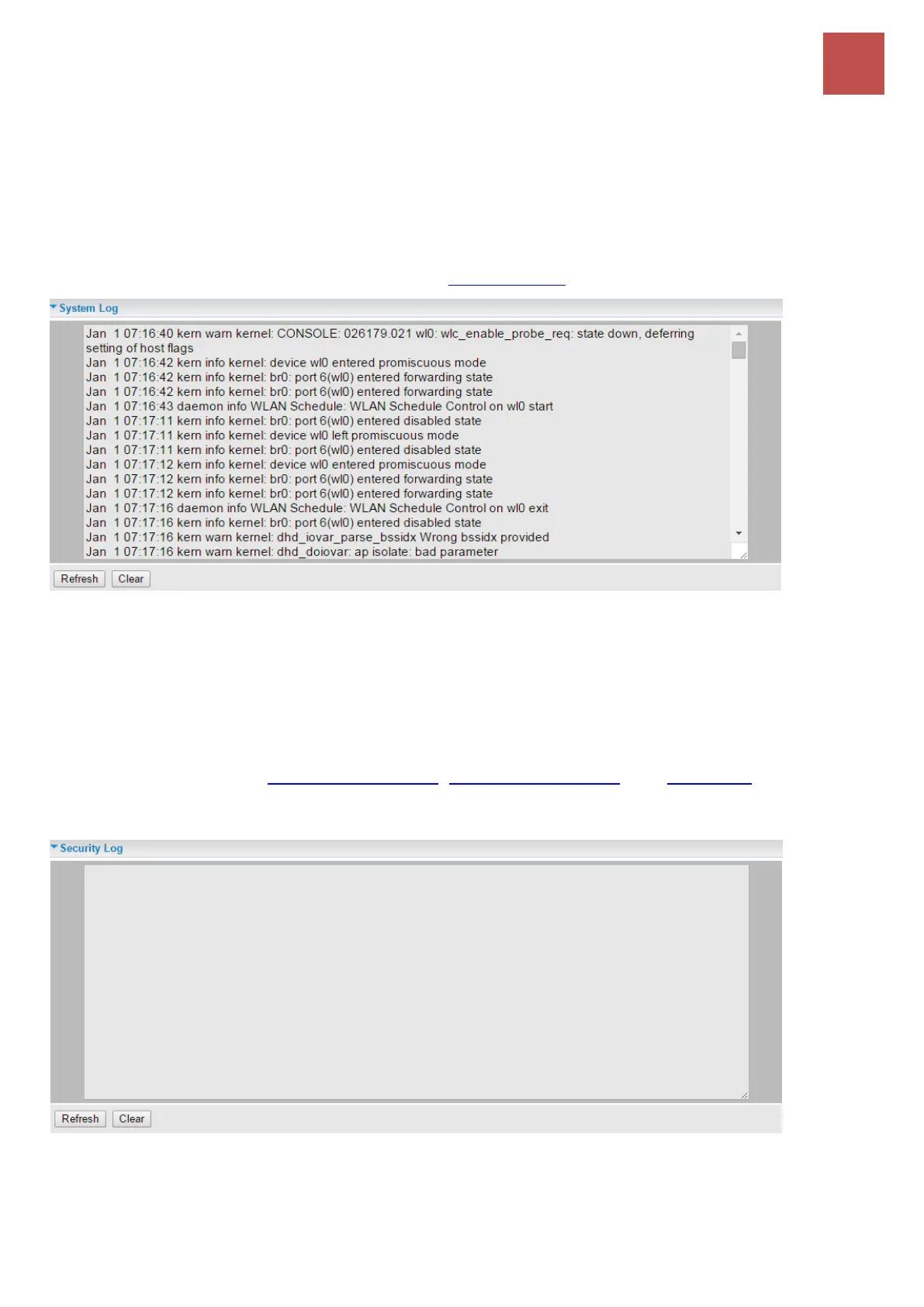
Displays system logs accumulated up to the present time. You can trace historical information with this
function. And the log policy can be configured in Configure Log section.
Refresh: Click to update the system log.
Clear: Click to clear the current log from the screen.
Security Log
Security log displays the message logged about security, like filter messages and some firewall
message. You can turn to IP Filtering Outgoing, IP Filtering Incoming, and URL Filter to determine if
you want to log this information. Also you can turn to Configure Log section below to determine the
level to log the message. You can use this to track potential threats to your system and network.
Refresh: Click to update the system log.
Clear: Click to clear the current log from the screen.



 To Next Page