Configuring Your Router
Status – Statistics (xDSL)
BEC 8920AC User Manual
Delay (msec): show the delay time in msec.
INP (DMT symbol): show the DMT symbol.
Super Frames: the total number of super frames.
Super Frame Errors: the total number of super frame errors.
RS Words: Total number of Reed-Solomon code errors.
RS Correctable Errors: Total number of RS with correctable errors.
RS Uncorrectable Errors: Total number of RS words with uncorrectable errors.
HEC Errors: Total number of Header Error Checksum errors.
OCD Errors: Total number of out-of-cell Delineation errors.
LCD Errors: Total number of Loss of Cell Delineation.
Total Cells: Total number of cells.
Data Cells: Total number of data cells.
Bit Errors: Total number of bit errors.
Total ES: Total Number of Error Seconds.
Total SES: Total Number of Severely Error Seconds.
Total UAS: Total Number of Unavailable Seconds.
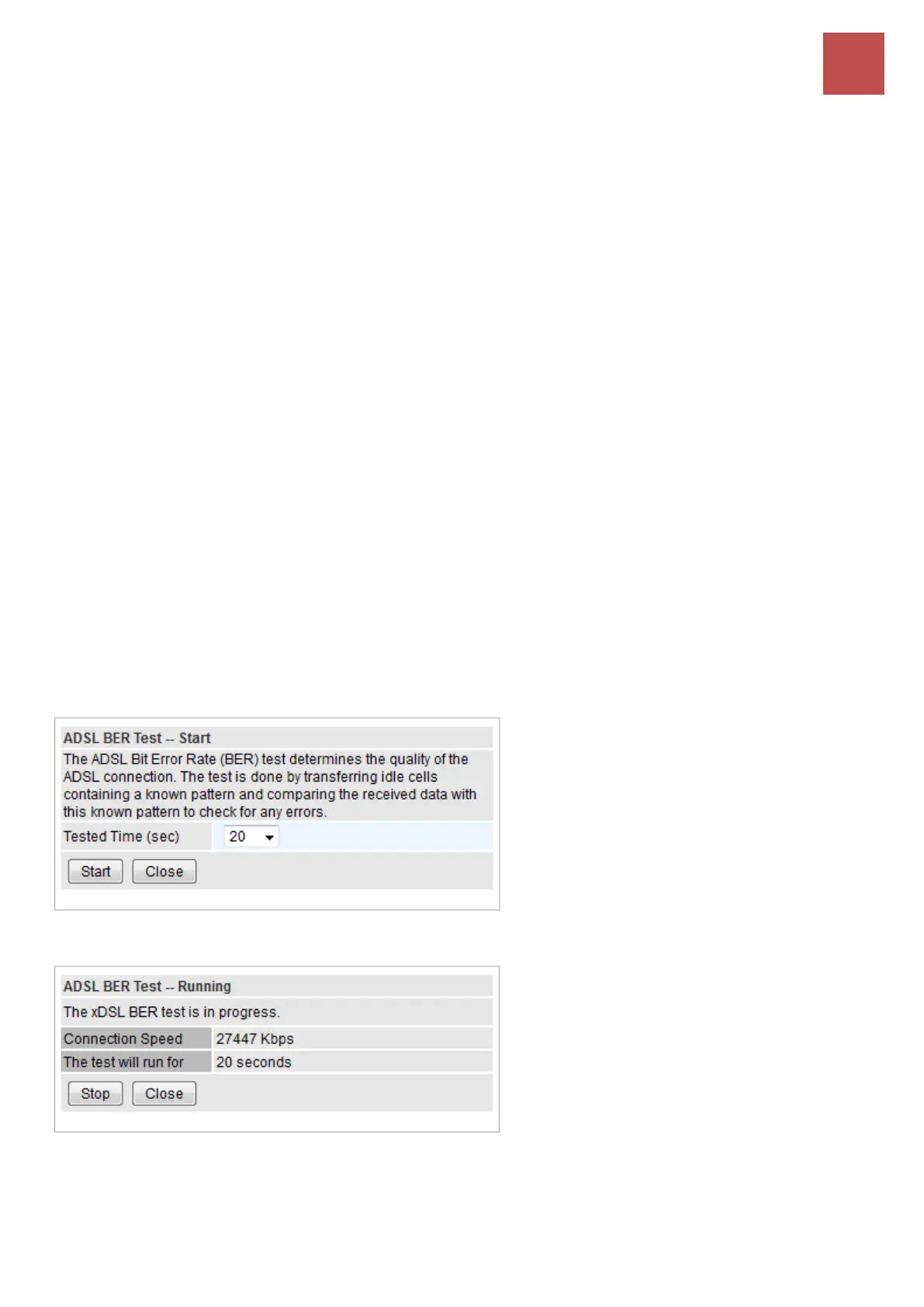
XDSL BER Test: The ADSL Bit Error Rate (BER) test checks the quality of the ADSL connection. The
test is done by transferring idle cells containing a known pattern then comparing the received data with
this known pattern to check for any errors.
Pick a Tested Time in seconds; click Start to start the test.
Testing is still in process.
When completed, the test result window will appear. You can review the quality of your xDSL
connection.



 To Next Page