102
Setting the limit positions using the programming unit
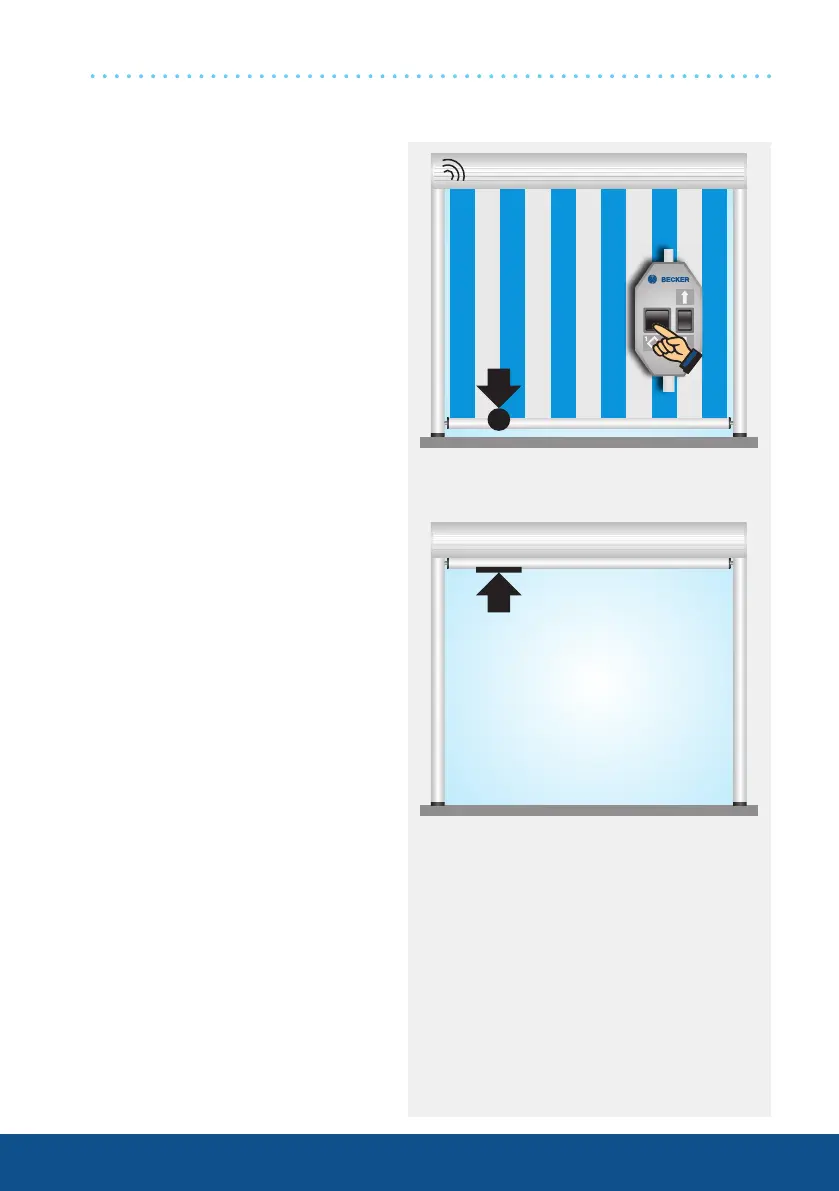
1. Programming the Extend
limit position with the
programming unit
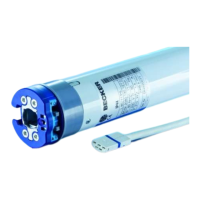
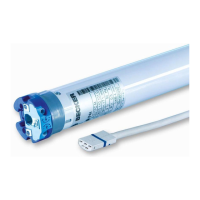
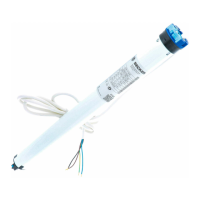
Connect the wires of the tubular
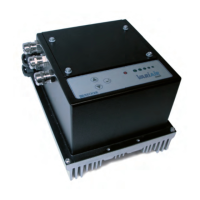
drive to those of the same colour in
the programming unit.
Run the shading solution to the de-
sired position and press the pro-
gramming button until the drive clicks
once.
Note: If the drive clicks twice, an
Extend limit position had already
been saved, which has now been
deleted. In this case, press the
programming button again until
you hear one click.
2. Programming the Retract
limit position with the
programming unit
Run the shading solution towards
the upper stop until the drive stops
automatically.
SE-B(+) drives
1x click




 To Next Page