55
Roller shutter
Drives
Information
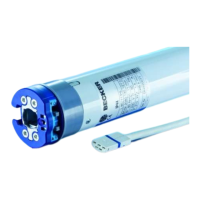
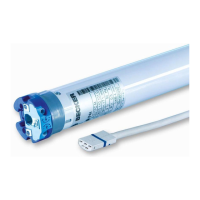
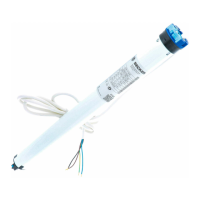
PROF+ drives with electronic limit switch-
ing detect and program the limit positions
automatically if stops exist. If no stops
exist, limit switch points are programmed.
In order for the drive to detect the up-
per limit position correctly, a defined
stop must be present (angled strip or
mechanical stop).
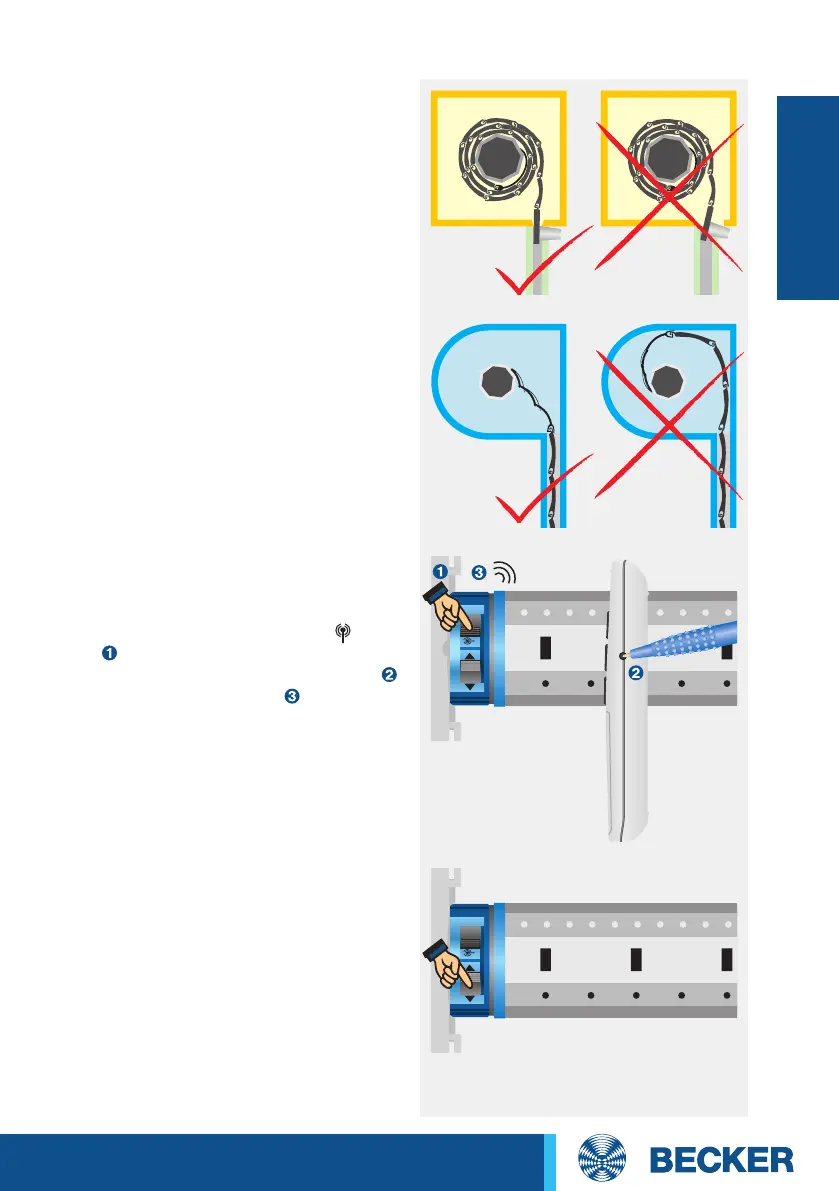
Programming the master transmitter
Set the drive to programming mode for
3 minutes by switching the power on or
by setting the radio switch to the posi-
tion . Then press the programming but-
ton on the required master transmitter
until the drive clicks twice (3 seconds
when installing new drives, 10 seconds
to overwrite a previously programmed
master transmitter).
Correcting the direction of rotation
If the drive is rotating in the wrong
direction, reverse the direction switch on
the drive.
Attention: The direction of rotation
can only be changed as long as no limit
positions have been programmed.
Installation with anti-lifting devices
The anti-lifting device must be securely
engaged and be pressing the roller shutter
onto the window sill.
2x click




 To Next Page