-41- © BEKA 2019 All rights reserved!
11.1 Program setting
Depending on the version, you can choose between two or four different program settings at the device.
Hold down the right control key and the
push-button for intermediate lubrication
until “P“ appears in the left segment of
the display. The current program is
displayed in the right segment.
Press the push-button for intermediate
lubrication again briefly; the next
program number appears. Repeat
pressing the buttons until the desired
program is reached.
The control saves the setting automatically;
no further confirmation is necessary.
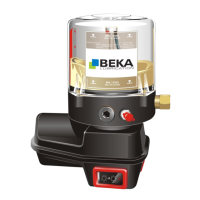
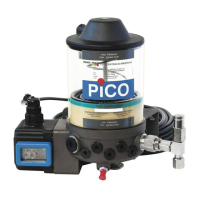
Simple version
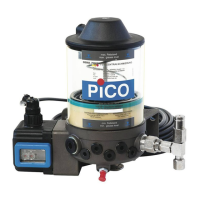
Device 10142862
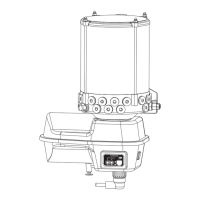
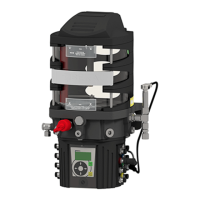
Complex version
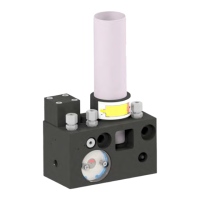
Device 10144013
Operational mode of time-dependent lubrication
duration
Operational mode of time-dependent lubrication duration
Operational mode of time-dependent lubrication duration
with system pressure monitoring
Operational mode of pulse-dependent lubrication
duration
11.2 Permanent operation P0
The device is always ready-to-use in permanent operation. However, it only operates as long as a release signal is applied at PIN 3 of
the DEUTSCH plug (see chapter 8.2.1 “Connection diagram of DEUTSCH plug male”).
11.3 Cycle duration
The cycle duration is always determined time-dependent in the programs P1, P2 and P3. It is shown in the right segment of the
display and can be set via the right control key.
Setting:
Hold down the right control key until the
current setting appears in the right
segment of the display, e.g. “1”
Press the right control key as often as
required until the desired setting is
reached.
The control saves the setting automatically;
no further confirmation is necessary.


 To Next Page