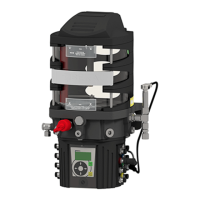
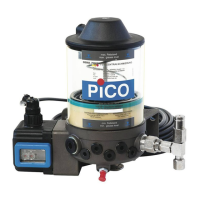
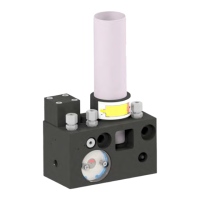
© BEKA 2019 All rights reserved! -44-
11.5 Level prewarning
The control determines how long the device can operate until the cartridge is empty via the set cartridge size.
The prewarning (error LO, see chapter 15.1 “Signal displays of the control“) is emitted at a residual quantity in the cartridge of
approx. 10 – 30 %. The residual quantity depends on the backpressure, the lubricant used and the temperature.
If the error LO is shown on the display, the cartridge should be changed as soon as possible (see chapter
9.1.1 “Screwing in or changing the cartridge“). If the cartridge is completely emptied, the device might suck
in air and deliver it into the lubrication system!
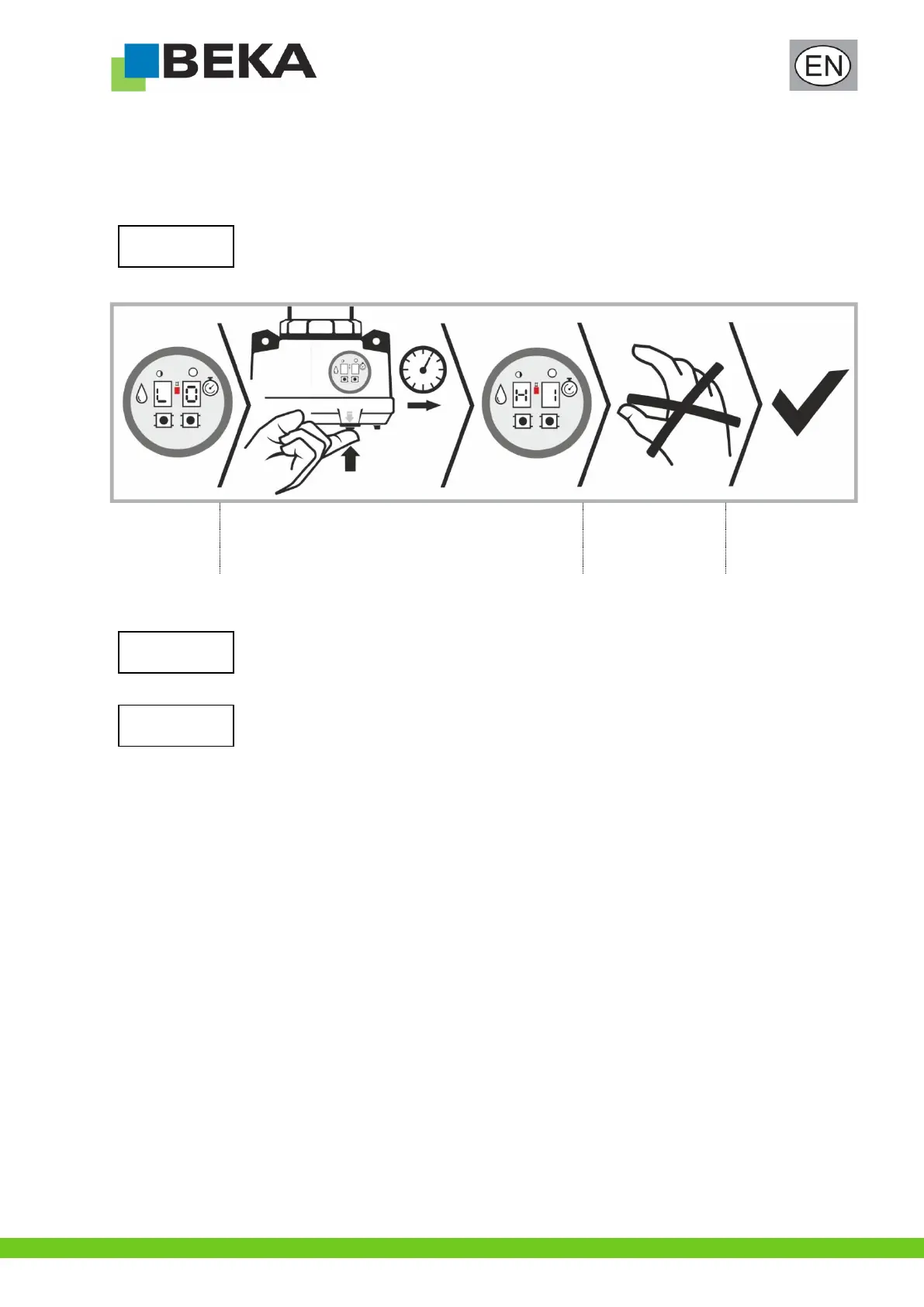
After each cartridge change, the level prewarning must be reset in order to enable a reliable use:
Error LO is
displayed, red
LED glows
Hold down the push-button for intermediate lubrication until
“HI” appears on the display
Then release the
push-button for
intermediate
lubrication
The level
prewarning is reset,
the red LED goes
out
* see also chapter 10.2.1 “Display sequence of the push-button for intermediate lubrication”
If the error LO is displayed although the residual quantity in the cartridge is above 25 - 30%, the cartridge size
can be switched at the control (see chapter 11.6 “Setting the cartridge size”).
The level prewarning can also be reset when the error LO is not shown on the display (see chapter
10.2.1 “Display sequence of the push-button for intermediate lubrication”).
In some applications (changing lubricant, extreme temperature fluctuations etc.) it can happen that the level
cannot be calculated accurately.
Please always make sure that there is a sufficient amount of lubricant in the cartridge even if the error LO is
not yet displayed!


 To Next Page