20
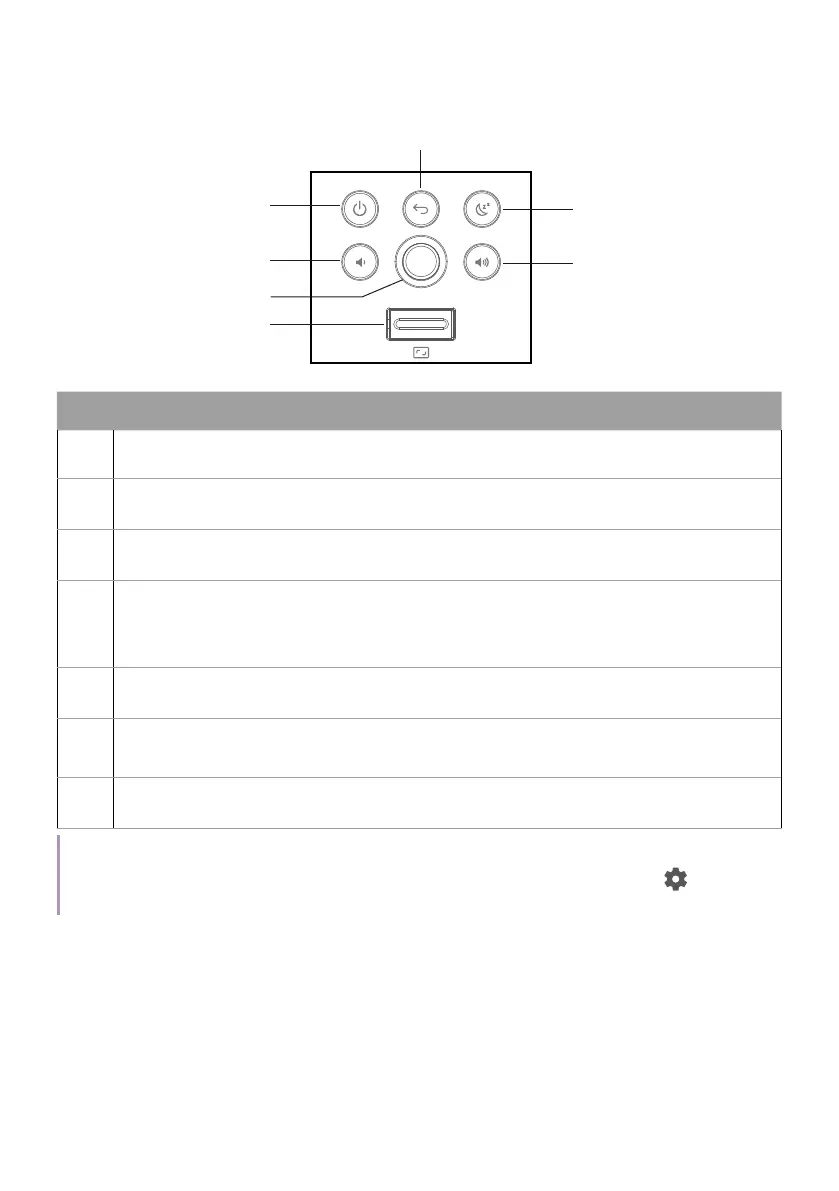
Keypad
1
2
3
4
5
6
7
No. Descriptions
1. Power key
2. Volume down button
3. Joystick
4.
Digital zoom lever
See "Projection size and position adjustment (Digital zoom and
image shift)" on page 43 for details.
5. Back key
6.
Sleep timer key
See "Setting up a sleep timer" on page 51 for details.
7. Volume up key
Note
The keypad backlight is always on by default. To turn off the keypad backlight, go to
>
All settings > Projector > Advanced Settings > More > Keypad Backlight always on.



 To Next Page