55
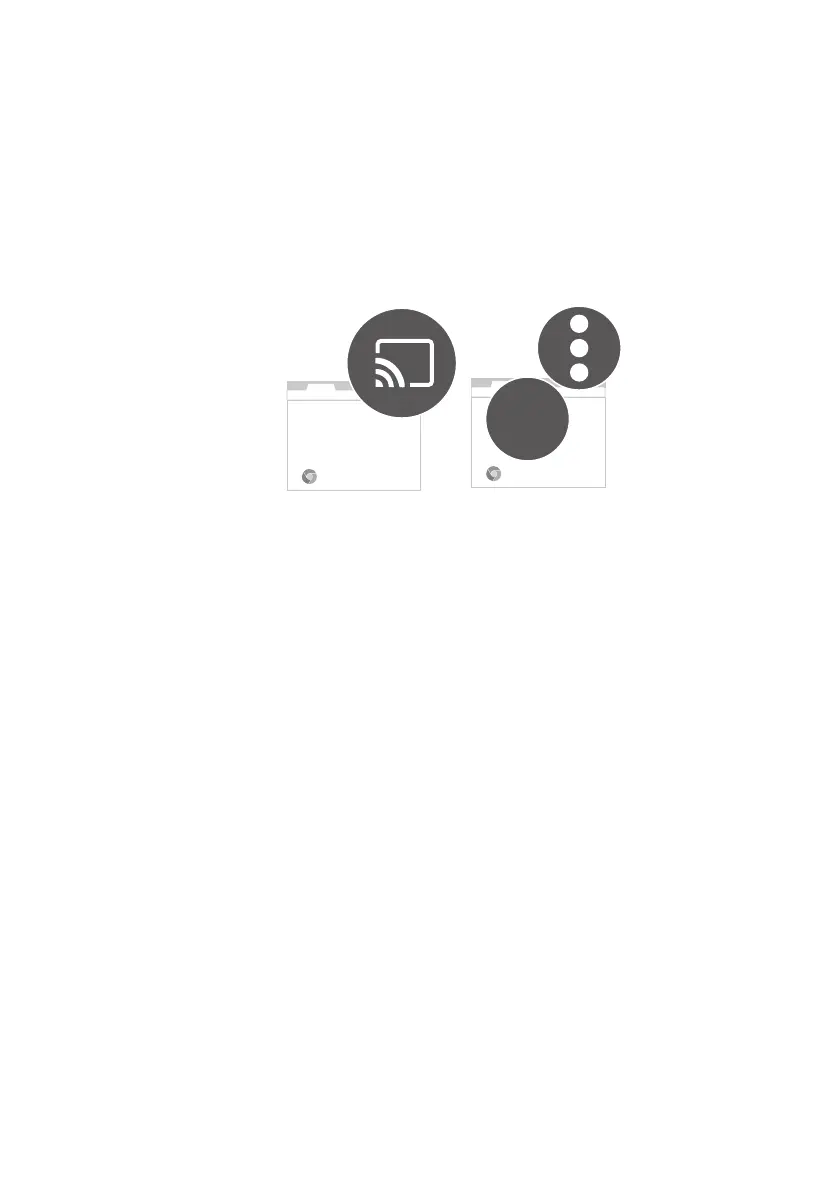
Screen casting from a PC (via Google Cast)
1. Make sure your computer and the projector are connected to the same
wireless network.
2. Enable the screen mirroring (cast) function from your computer.
Available name and access to the screen mirroring function may vary
by program. Note that the projector is named GV01 by default. If you
have changed the name, look for the new name from the device list.
Chrome
Chrome
Cast



 To Next Page