27
Installation
Choosing a location
Before choosing an installation location for your projector, take the
following factors into consideration:
• Size and position of your screen
• Electrical outlet location
• Location and distance between the projector and the rest of your
equipment
• Location and distance between the projector and the wireless access
point
You can install your projector in the following ways from
> All settings >
Projector > Advanced Settings > Projection Mode.
• Auto
Changes projection mode automatically by
detecting whether the projector is placed
upside down between Front and Front Ceiling
by the using scenario (upward or downward).
The audio channels are switched accordingly
to go with the projector position.
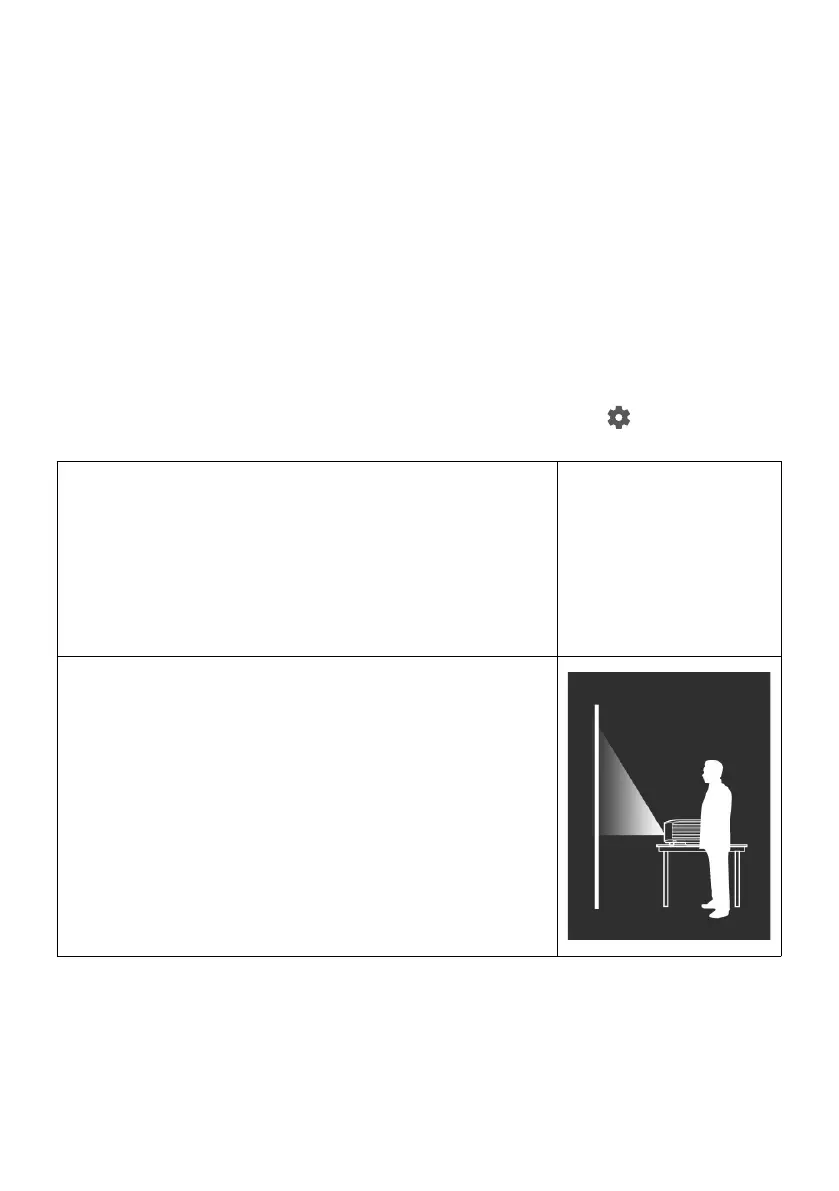
• Front
Select this location with the projector placed
near the floor in front of the screen.
This is the most common way to position the
projector for quick setup and portability.



 To Next Page