37
Accessing helpful BenQ apps
You can install certain BenQ apps to extend the functionalities of your
projector.
Apps downloaded to your projector
• BenQ Projector Assistant: provides tips, FAQs, and product support.
• Screen Sharing for iOS: helps cast your content from iOS/masOS
device wirelessly. See "Screen casting from an iOS/macOS device" on
page 53 for more information.
• BenQ Notification: brings you the updated information from BenQ and
the updates on your system or the installed apps.
• BenQ User Dashboard: shows the activities of your projector, including
the screen time of frequently used apps, the Internet status, and the
light usage hours.
To install an app on your projector, go to Apps from Google TV Home
screen. Search for a preferred app from Google Play.
App downloaded to your mobile
device
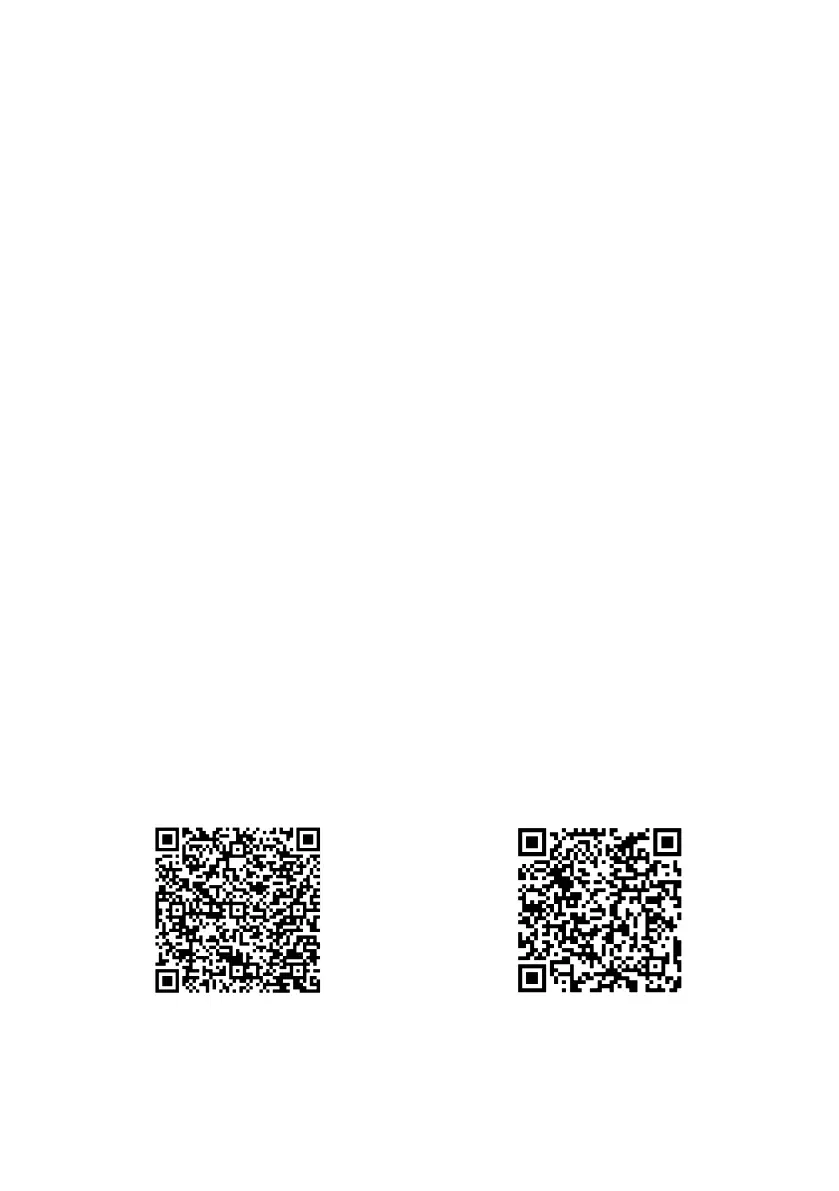
Smart Remote for BenQ Projector: pairs your mobile device with the
projector to handle basic functions (adjusting volume, moving the
directional keys, focusing, etc.), and advanced control of hotkeys for
streaming services, text input, and a touchpad, making the usage smarter
and more convenient.
Google play Apple store



 To Next Page