39
Adjusting the projected image
Adjusting projection angle
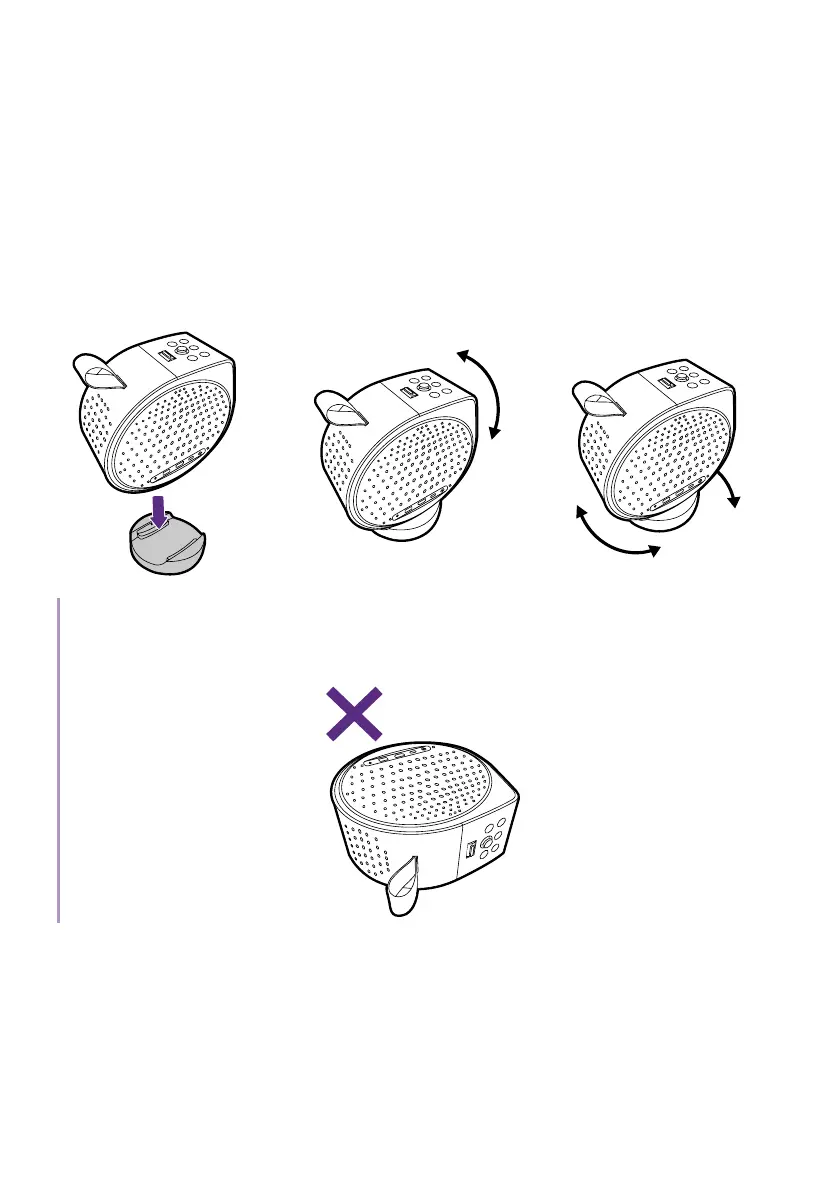
The projector features a base that holds the projector and allows you to
adjust the projection angle.
Place the projector properly on the base until it clicks, and rotate the
projector to adjust the projection angle.
135°
360
°
Vertical Horizontal
Note
When the projector is on, DO NOT place down the projector with its left or right vents facing down as
this will block the vents.



 To Next Page