59
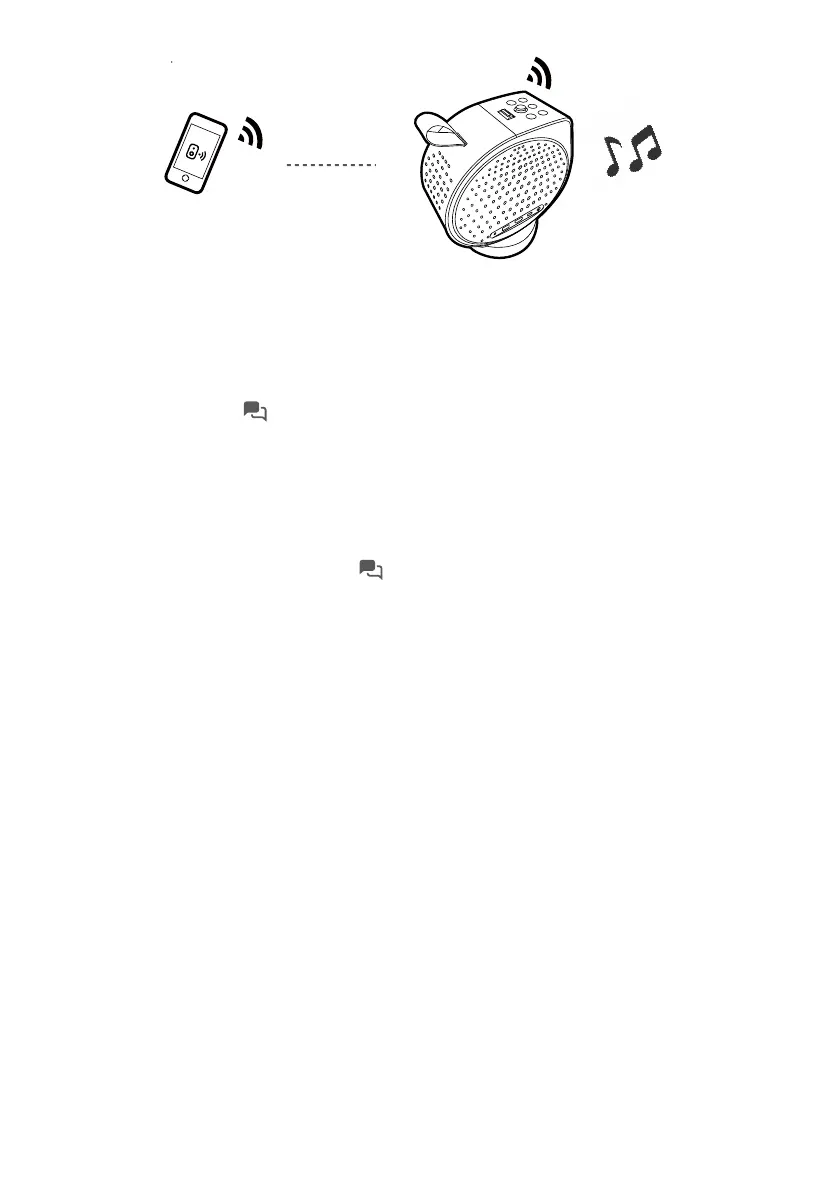
Turning the screen off during music playback
You can enjoy music playback via the projector without a projection
screen.
Press and hold the button on the remote control to switch the projector
to audio-only mode. The screen is turned off while the music playback
continues.
You can adjust volume by pressing the volume adjustment keys without a
projection screen.
To stop the playback or to perform other operations, press any except
power, projector assistant key ( ), volume adjustment keys on the remote
control to bring the projection screen back.



 To Next Page