57
Playing music with your
projector
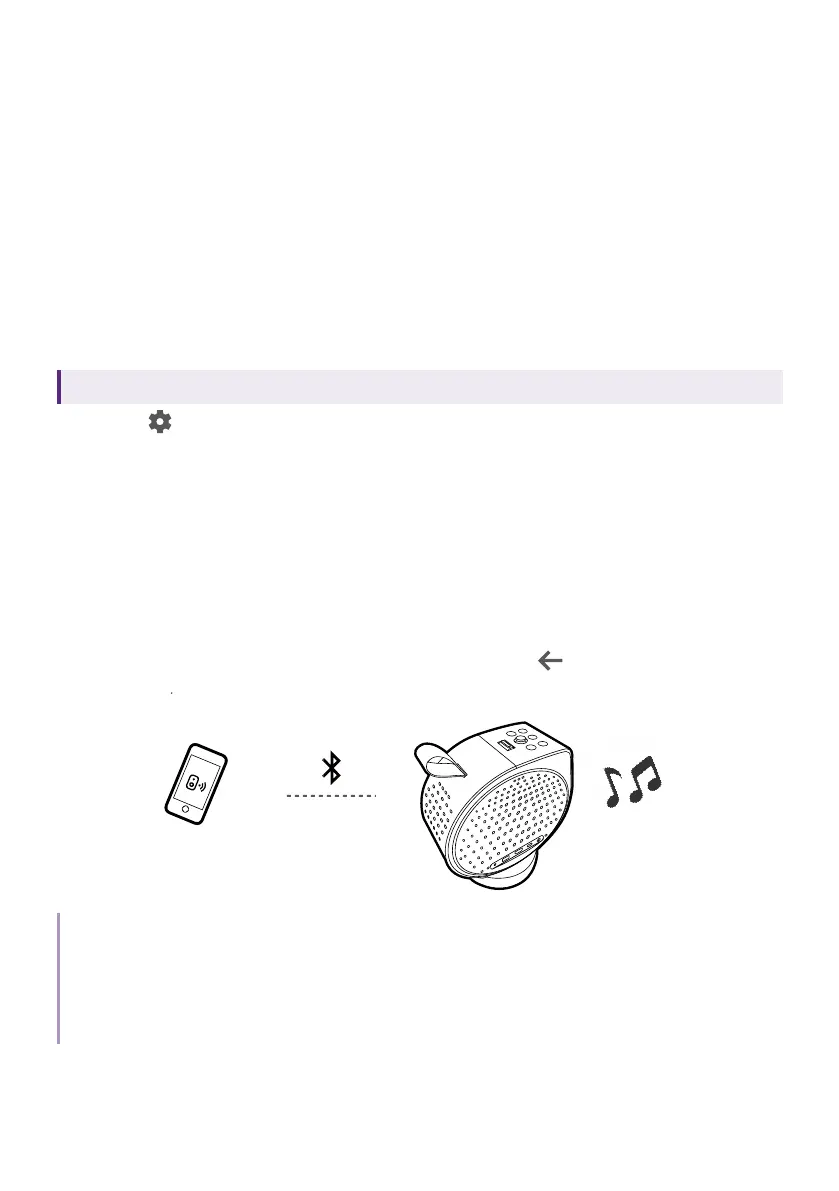
With the built-in speakers, you can enjoy music playback via the projector
without a projection screen. The projector can work as an ordinary speaker
or a wireless speaker.
Making your projector a Bluetooth
speaker
Available only when the projector is swtiched to Google TV.
1. Go to > All settings > Projector > Bluetooth Speaker Mode to enable
projector's Bluetooth function. The screen is turned off.
2. Enable your device's Bluetooth function as well. Select GV01 (the
default device name of your projector in Google TV system) from the
device list for pairing. If you have changed the name, look for the new
name from the device list.
3. After the pairing is done successfully, you can output the audio from
your device to the projector.
4. To stop music playback from the projector and disconnect Bluetooth
connection, press any key and press and hold
.
Note
• This function is available only when the input source is set to Google TV. Even when the projector
is switched to other input sources, such as HDMI, as Google TV is still running in the background,
it will continue to transmit audio from Google TV to the connected Bluetooth device.
• The projector does not support automatic re-connections with previously paired devices. In order
to re-connect to a paired device or connect to another device, repeat the steps above.



 To Next Page