BERGHOF Automation Operation
2VF100108FE01.doc DC1000_HB_en_2D0982003ZD00.doc 45
Ethernet
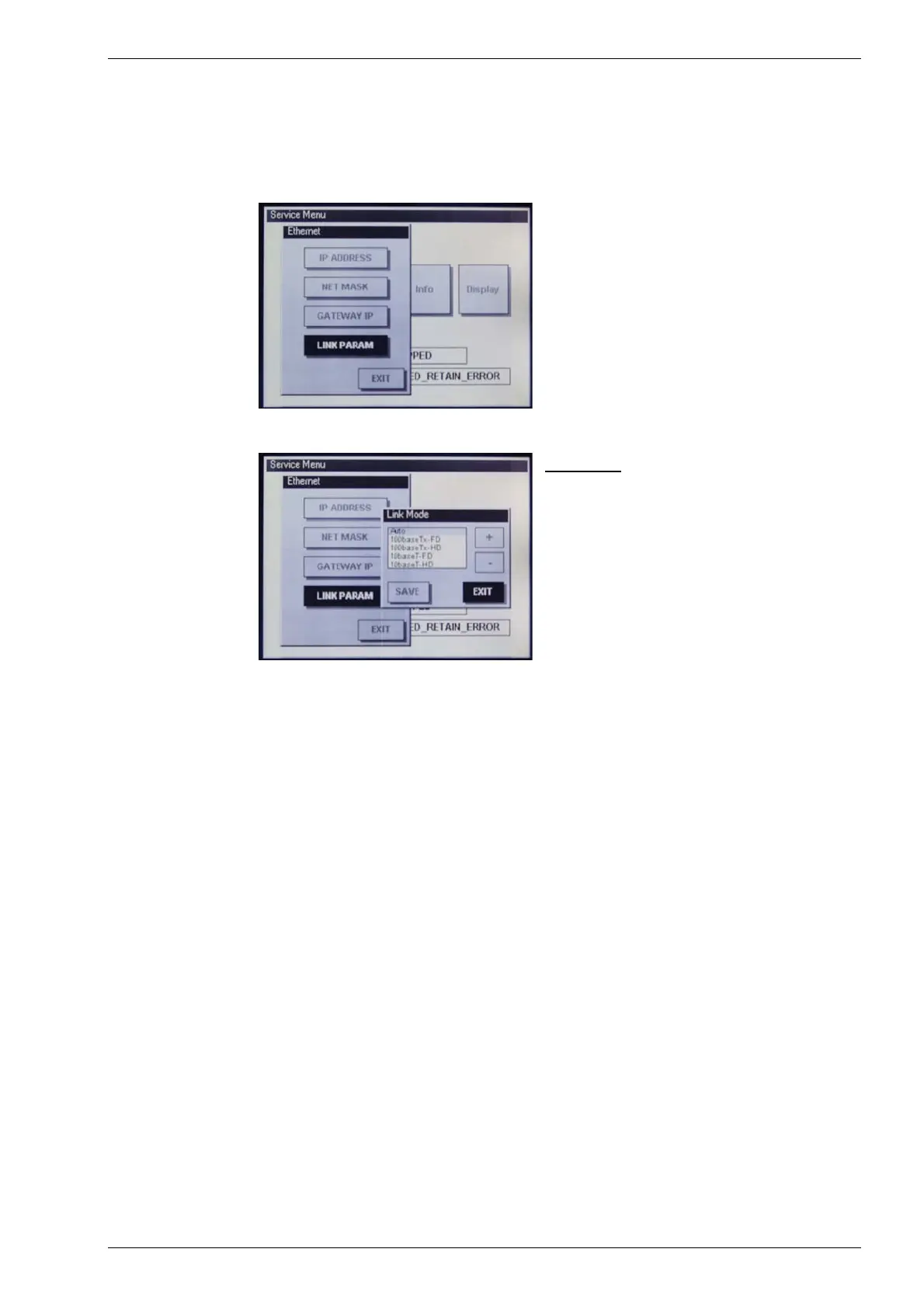
“LINK PARAM”
Check and adjust the communications pa-
rameters.
Link Mode:
Auto: Automatic parameter setting negoti-
ated among the communications parameters
(default setting).
The default settings should only be changed
under special circumstances (e.g., communi-
cations problems).
100base-Tx-FD: 100 MBit/s, full duplex
100base-Tx-HD: 100 MBit/s, half duplex
10base-T-FD: 10 MBit/s, full duplex
10base-T-HD: 10 MBit/s, half duplex
The “Save” button is used to save the new
setting. New settings will only take effect after
a restart!
The “EXIT” button allows you to leave the
menu without saving any changes which may
have been made.



 To Next Page