121
Troubleshooting
Fault
Automatic threading not
possible
Double-needle limitation is on
Defective sensors
Switch off the double needle limitation in Security Program
Sewing computer checked by a dealer
Automatic thread cutter blocked
Thread remnants jammed in the thread Catcher Under Cleaning in Setup Program, proceed as follows:
► touch field 1
► thread catcher of automatic thread cutter moves to the
right
► carefully remove thread remnants with the tweezers
► touch field 3
► automatic thread cutter re-initializes and is ready for use
Cause Repair
ExplanationGeneral Messages Repair
Clean and lubricate sewing computer ► Open bobbin cover and remove bobbin
► Switch off sewing computer
► Remove presser foot, needle and stitch plate
► Clean sewing computer as indicated
Deleting or overwriting data, e.g. Drawers
Confirm with
or cancel with
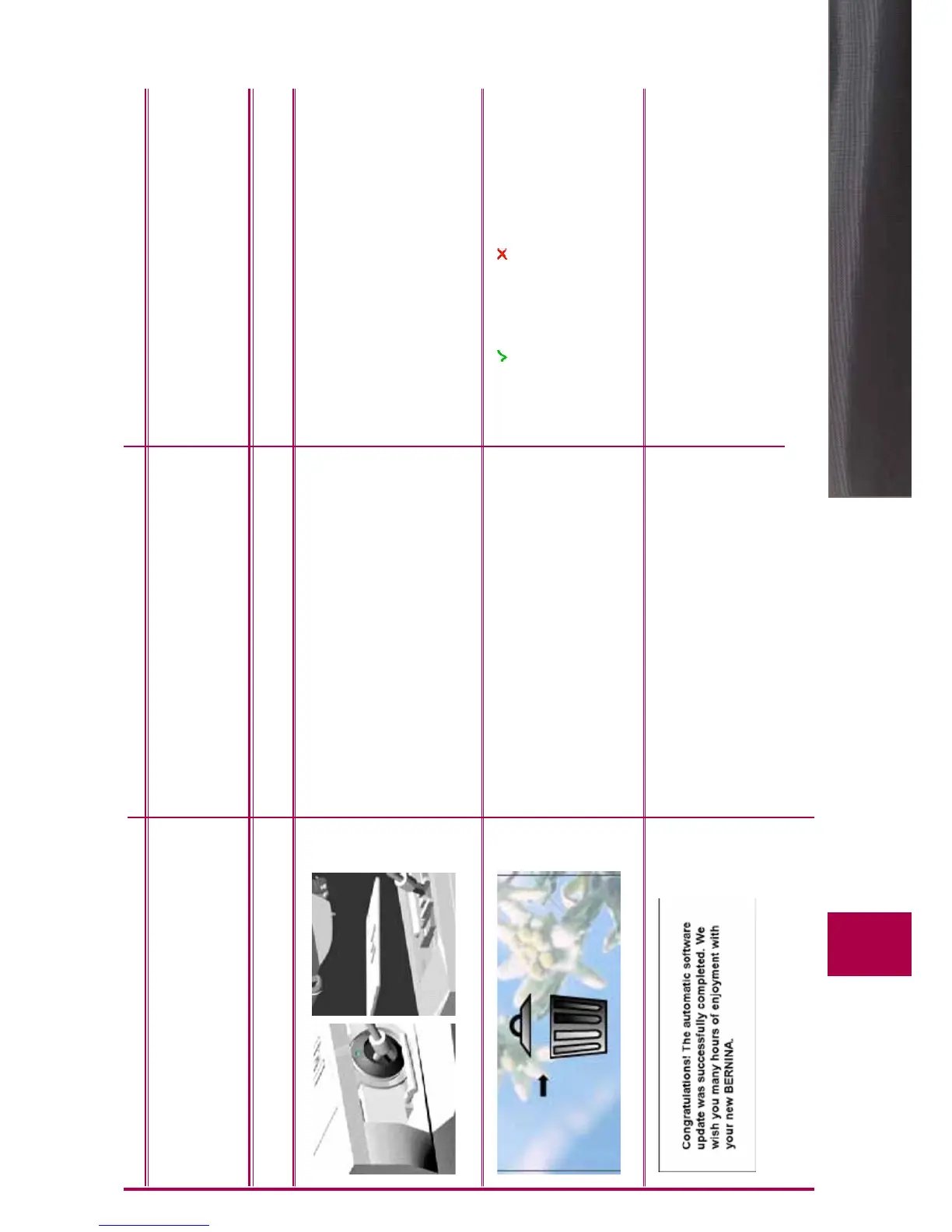
Update successful The sewing computer has been provided with the latest
software version
032298.53.04_1204_B820_EN



 To Next Page