104
System
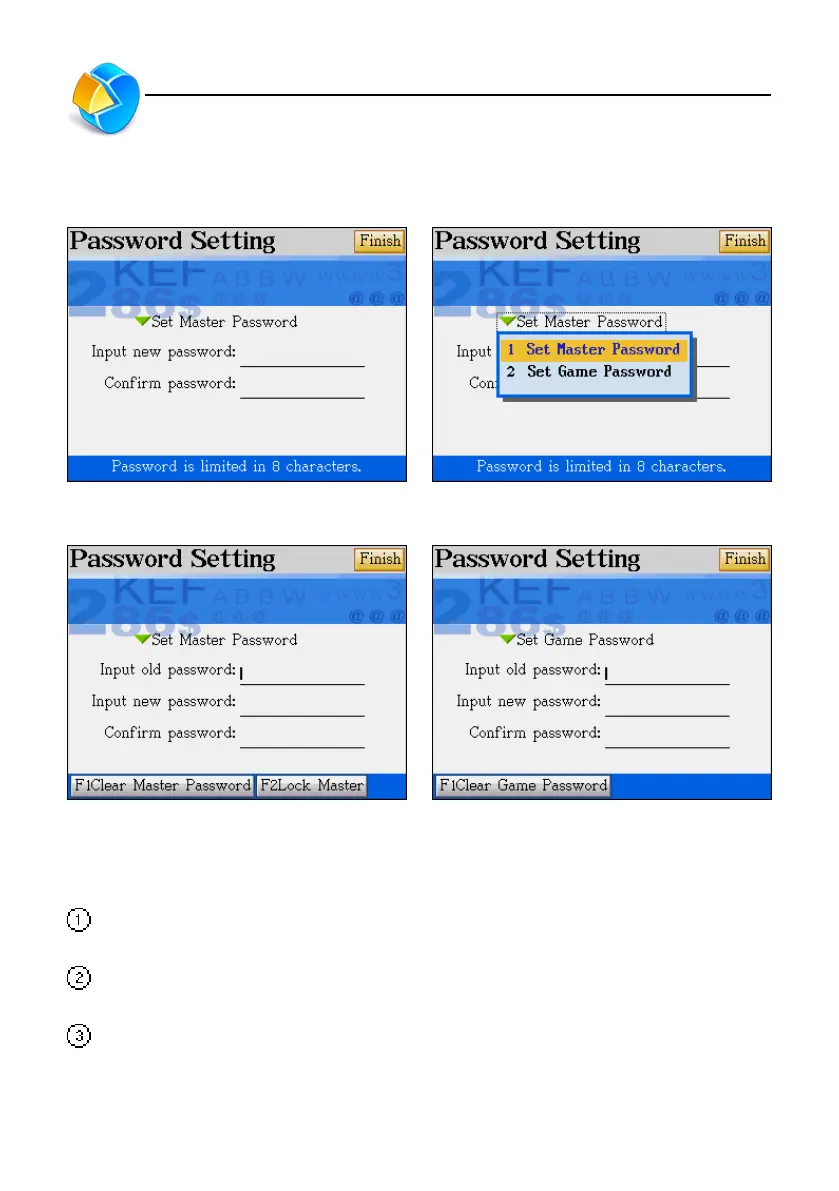
4. Password Setting
Setting password Setting password for the device (master) or
game
Changing your password for the device (Master) Changing your password for game
5. Start-up Picture
No Drawing: When you turn the device on, it will display the main menu first without showing
the start-up picture.
Custom Drawing: You have to draw in Paintbrush or download from our web site and then
save first. Then you may set your drawing or downloaded drawing as the start-up picture.
Default drawing: Display the default picture as the start-up picture.
Password Setting/Startup Picture



 To Next Page