31
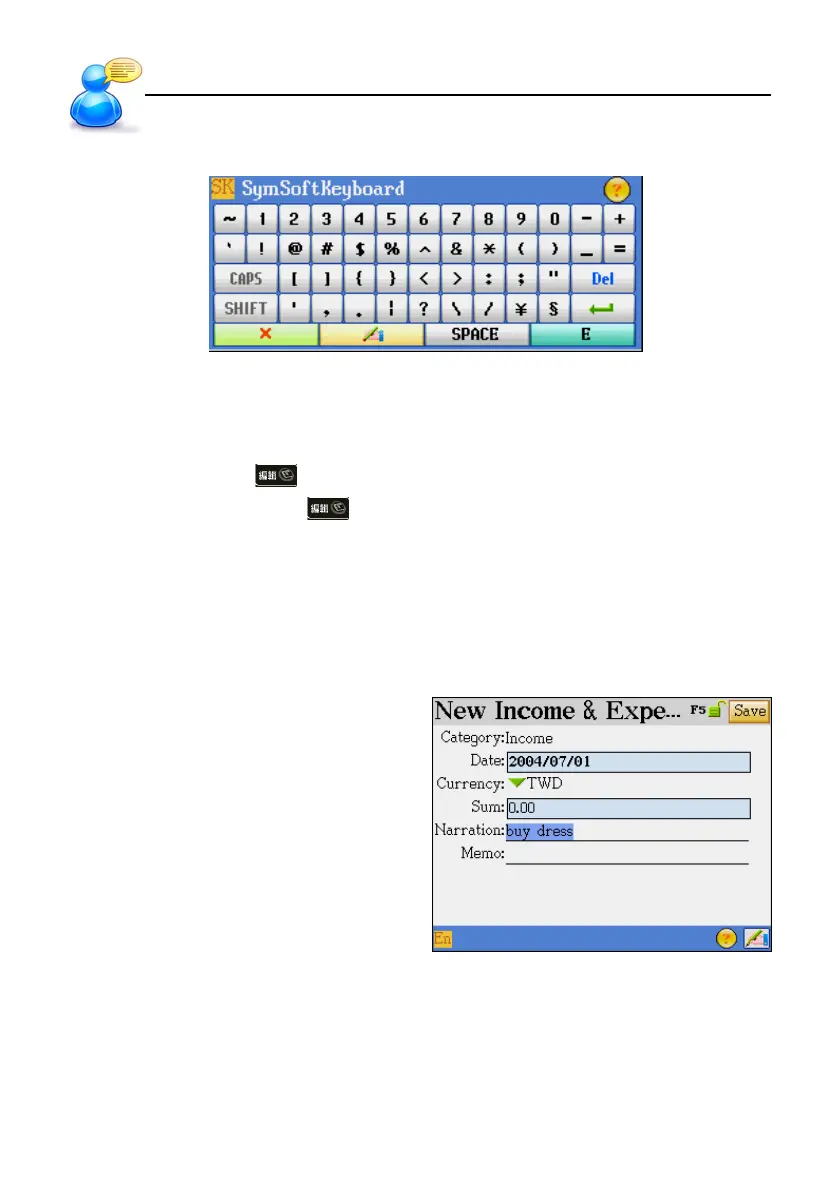
3.8 On-screen Symbol Keyboard
4. Data Editing
In the editing mode, you may clear, cut, duplicate or paste the data by highlighting the text first and
then tapping the shortcut on the screen. In the browsing screen, you may cross search and
duplicate. In calculator mode, tap
to duplicate the numerals in displaying area.
4.1 Selecting Data
Use the stylus to tap the first character and drag to the second one. The selected range will be in
color.
Ex: [F3 PIM] --> [II. Income & Expense]
Input data “buy dress” in the field of Narration.
Select range.
User Guide
Data Editing



 To Next Page