44
Dictionary
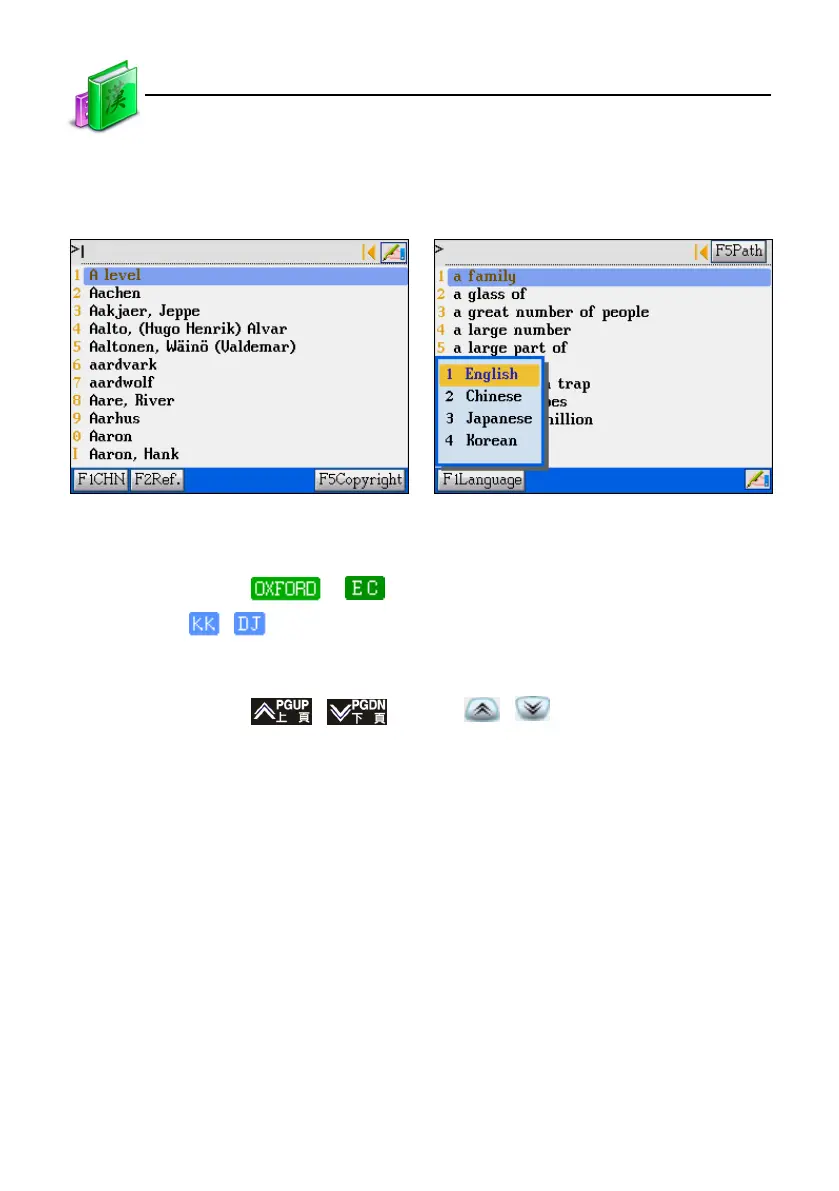
1.1.3 Language selection
Tap or press [F1 CHN]/[F1ENG] to switch be-
tween English/ Chinese display modes.
2. Definition
* Tap the icon or to access the Oxford or English-Chinese dictionary.
* Tap
/ to switch to KK/DJ phonetic symbols.
* Provides sample sentences, multimedia information for reference;
* Can cross search in other dictionaries for the selected words;
* Tap hot key
/ , or press / to look up the previous/next
Chinese, English and Cantonese pronunciations for Chinese and English words;
* Provides following to read for practice;
* 3 kinds of font size : "middle, large, small" for selection.
Definition
Tap or press [F1Language] to shift headword
list between several languages.



 To Next Page